Dell S2721DGF vs Samsung Odyssey G5 Which Monitor Wins
When pitting the Dell S2721DGF vs Samsung Odyssey G5, you’re choosing between two excellent 1440p gaming monitors, each with distinct strengths. The Dell excels with its superior IPS panel offering vibrant colors and wider viewing angles, making it a fantastic all-rounder. Conversely, the Samsung Odyssey G5 appeals to those prioritizing deep contrast and an immersive curved experience, albeit with VA panel limitations.
Dell S2721DGF vs Samsung Odyssey G5 Which Monitor Wins
Choosing a new gaming monitor can feel like navigating a maze, especially with so many fantastic options flooding the market. You’ve done your homework, narrowed down your choices, and now you’re likely staring at two titans of the mid-range gaming monitor world: the Dell S2721DGF and the Samsung Odyssey G5. Both promise a stellar 1440p gaming experience with high refresh rates, but they approach this goal with distinct philosophies and panel technologies.
This isn’t just a spec sheet comparison; it’s about finding the monitor that truly elevates *your* specific gaming and computing habits. Are you a competitive esports enthusiast where every millisecond counts, or do you crave immersive single-player adventures where vibrant worlds come to life? Perhaps you also dabble in creative work or use your monitor for everyday tasks. Understanding these nuances will be key to deciding if the Dell S2721DGF or the Samsung Odyssey G5 is the champion for your desk. Let’s dive deep into what makes each of these monitors shine and where they might fall short, helping you make an informed decision for your next upgrade.
Key Takeaways
- Panel Technology: The Dell S2721DGF features an IPS panel for better color accuracy and wider viewing angles, while the Samsung Odyssey G5 uses a VA panel, offering deeper blacks and higher contrast.
- Refresh Rate & Resolution: Both monitors boast a 27-inch 1440p (QHD) resolution and a high refresh rate (165Hz for Dell, 144Hz for Samsung), ensuring sharp images and fluid gameplay.
- Adaptive Sync: Dell offers FreeSync Premium Pro, providing a slightly more advanced HDR-compatible variable refresh rate experience compared to the Samsung’s FreeSync Premium. Both are G-SYNC Compatible.
- Ergonomics & Design: The Dell S2721DGF typically offers a more robust and adjustable stand (height, tilt, swivel, pivot), whereas the Samsung Odyssey G5 often features a more basic stand but includes a distinct 1000R curved screen.
- Image Quality vs. Immersion: The Dell is generally preferred for its superior color reproduction and clarity, making it great for content creation and mixed use. The Samsung shines in dark room gaming due to its high contrast and immersive curve.
- Price and Value: Both monitors often compete in similar price brackets, but the Dell tends to offer a slightly more premium feature set and build quality for a comparable cost, especially regarding ergonomics and panel consistency.
Quick Answers to Common Questions
Which monitor is better for competitive gaming?
The Dell S2721DGF generally has an edge for competitive gaming due to its IPS panel’s faster and more consistent GtG response times, which translates to less ghosting and cleaner motion in fast-paced scenarios.
Does the Dell S2721DGF have a curved screen?
No, the Dell S2721DGF features a traditional flat panel display. The Samsung Odyssey G5 is the one with the distinctive 1000R curve.
Which monitor has better colors?
The Dell S2721DGF, with its IPS panel, typically offers superior color accuracy and wider color gamut coverage, making it the better choice for vibrant and true-to-life colors.
Is the Samsung Odyssey G5 G-SYNC compatible?
Yes, the Samsung Odyssey G5, like the Dell S2721DGF, is officially G-SYNC Compatible, meaning it can use NVIDIA’s adaptive sync technology for tear-free gaming.
Which monitor has better ergonomics?
The Dell S2721DGF features a far more adjustable stand, offering height, tilt, swivel, and pivot adjustments, making it superior in ergonomics compared to the typically tilt-only stand of the Samsung Odyssey G5.
📑 Table of Contents
Core Specifications at a Glance: The Foundation
Before we dissect the intricacies, let’s lay out the fundamental specifications of both monitors. This side-by-side view gives us a baseline understanding of what each brings to the table. When comparing the Dell S2721DGF vs Samsung Odyssey G5, it’s clear they target the same sweet spot in the market: 1440p gaming.
Resolution and Screen Size
Both monitors clock in at a comfortable 27 inches, which is widely considered the ideal size for a 1440p (2560×1440) resolution. This combination provides a sharp image without requiring aggressive scaling, ensuring text is crisp and game worlds are detailed. Neither monitor pushes into 4K territory, keeping them more accessible for mid-range to high-end graphics cards to drive high frame rates.
Refresh Rate and Response Time
Here’s where the gaming pedigree really shows. The Dell S2721DGF boasts a 165Hz refresh rate, while the Samsung Odyssey G5 offers 144Hz. Both are significant upgrades from standard 60Hz monitors, translating to smoother motion and a more responsive feel in games. For response time, the Dell typically advertises 1ms GtG (Grey-to-Grey) in its fastest overdrive setting, while the Samsung often highlights 1ms MPRT (Moving Picture Response Time). It’s crucial to remember that GtG and MPRT are different metrics, and a true 1ms GtG is generally a more challenging benchmark to meet without artifacts. We’ll explore this further when discussing gaming performance.
Panel Technology: IPS vs. VA
This is arguably the most significant differentiator. The Dell S2721DGF uses an IPS (In-Plane Switching) panel, renowned for its excellent color accuracy, wide viewing angles, and generally faster response times without significant ghosting. In contrast, the Samsung Odyssey G5 utilizes a VA (Vertical Alignment) panel, which is celebrated for its superior contrast ratios and deeper blacks, often at the expense of viewing angles and potential ghosting issues in dark scenes. This choice of panel technology heavily influences the visual experience of each monitor.
Gaming Performance: Speed, Smoothness, and Immersion
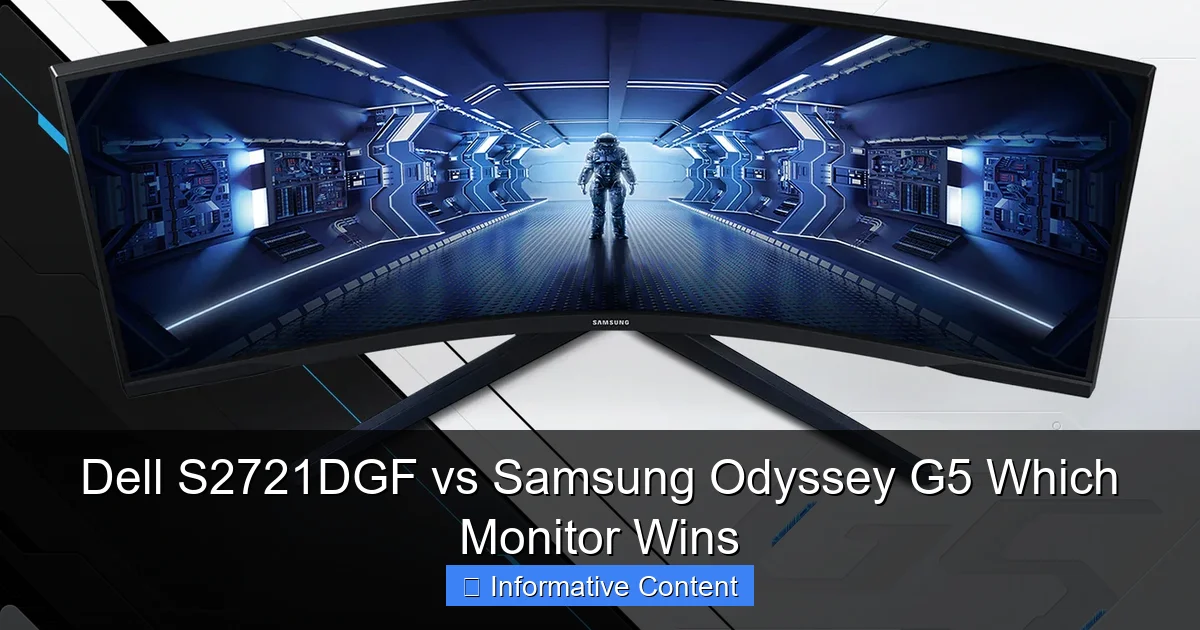
Visual guide about Dell S2721DGF vs Samsung Odyssey G5 Which Monitor Wins
Image source: images10.newegg.com
For gamers, performance is paramount. How fast is it? How smooth? Does it tear or stutter? These are the questions that define a gaming monitor’s worth. When evaluating the Dell S2721DGF vs Samsung Odyssey G5, both are strong contenders, but they cater to slightly different priorities.
Refresh Rate and True Response Time
The Dell S2721DGF’s 165Hz refresh rate offers a marginal but noticeable smoothness advantage over the Samsung Odyssey G5’s 144Hz, especially for highly competitive players. While both advertise 1ms response times, the Dell’s IPS panel generally delivers a more consistent and cleaner 1ms GtG performance across its pixel transitions. This means less ghosting or smearing, particularly crucial in fast-paced shooters. The Odyssey G5, being a VA panel, might exhibit some “black smearing” or “VA ghosting,” especially in dark scenes where pixels struggle to transition quickly enough, leading to a noticeable trail behind moving objects. This can be distracting in certain games.
Adaptive Sync Technologies
Both monitors support adaptive sync, which synchronizes the monitor’s refresh rate with your GPU’s frame rate, eliminating screen tearing and stuttering. The Dell S2721DGF comes with FreeSync Premium Pro, which adds support for HDR content and low framerate compensation (LFC). The Samsung Odyssey G5 supports FreeSync Premium, which also includes LFC but doesn’t explicitly guarantee HDR support with adaptive sync. Crucially, both are officially G-SYNC Compatible, meaning NVIDIA users can also enjoy a tear-free experience. The Dell’s FreeSync Premium Pro offers a slight edge here for those looking to leverage HDR in supported games.
Input Lag and Overdrive Settings
Input lag on both monitors is incredibly low, as expected from modern gaming displays, ensuring a nearly instantaneous connection between your mouse/keyboard actions and on-screen response. When it comes to overdrive settings, Dell typically offers multiple modes, allowing users to fine-tune the response time to reduce ghosting without introducing excessive inverse ghosting (overshoot artifacts). The Odyssey G5 also has overdrive settings, but users might need to experiment to find the sweet spot that minimizes VA ghosting without creating new issues. For a purist looking for the absolute cleanest motion, the Dell often pulls ahead in the Dell S2721DGF vs Samsung Odyssey G5 comparison.
Image Quality: Colors, Contrast, and Clarity
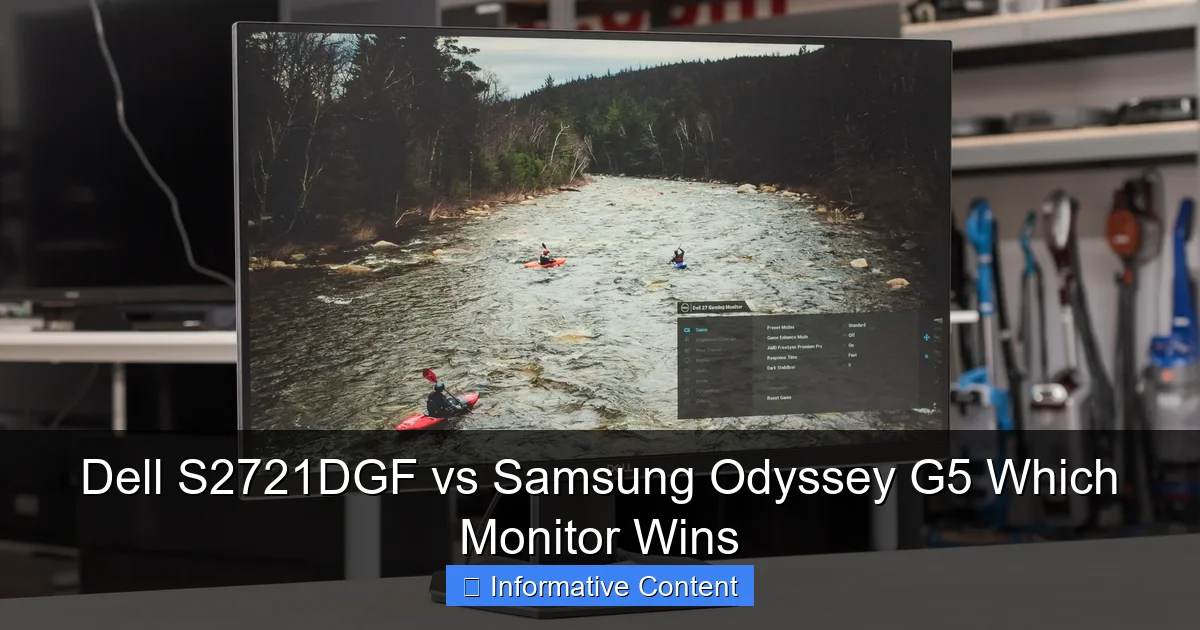
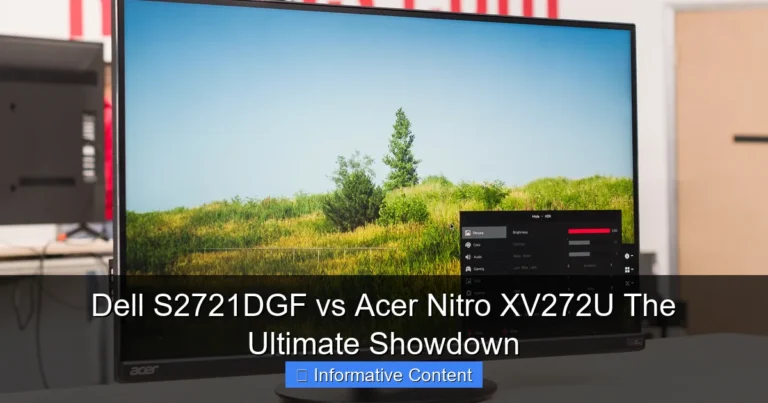
Visual guide about Dell S2721DGF vs Samsung Odyssey G5 Which Monitor Wins
Image source: i.rtings.com
Beyond raw speed, how good do games and other content actually *look*? This is where the choice between IPS and VA panels truly comes into play, influencing everything from color vibrancy to black levels.
Panel Type: IPS vs. VA Revisited
The Dell S2721DGF’s IPS panel is a color enthusiast’s dream. It offers exceptional color accuracy, vibrant saturation, and consistent colors across very wide viewing angles. This makes it ideal not just for gaming, but also for content consumption, web browsing, and even light photo or video editing where color fidelity is important. If you often share your screen with others or view it from off-angles, the IPS panel will maintain color consistency far better than a VA panel.
The Samsung Odyssey G5’s VA panel, on the other hand, excels in contrast. Its typical static contrast ratio of 2500-3000:1 far surpasses the 1000:1 ratio common in IPS panels. This results in much deeper blacks and a greater perceived depth, particularly noticeable in dimly lit rooms or dark game scenes. Think about navigating a spooky cave or exploring a starry night sky – the Odyssey G5 will render these with more impact. However, VA panels typically suffer from narrower viewing angles, meaning colors can shift and gamma can change if you’re not looking at the screen head-on.
Color Gamut and HDR Performance
Both monitors generally cover a good portion of the sRGB color space (around 99%), making them perfectly adequate for most content. The Dell S2721DGF often extends into the DCI-P3 color space (around 90-95%), offering a wider color gamut that produces richer, more saturated colors, especially beneficial for HDR content. The Odyssey G5 also has a respectable color gamut. For HDR, neither monitor offers true HDR performance with local dimming zones found on higher-end displays. They typically meet VESA DisplayHDR 400 certification, which is a baseline standard. While this provides a noticeable bump in peak brightness for HDR content, neither monitor will deliver the dramatic contrast and highlight impact of true HDR monitors. The Dell’s FreeSync Premium Pro provides better synergy for HDR gaming with adaptive sync.
The Curved Experience: Samsung’s Signature
One unique selling point of the Samsung Odyssey G5 is its aggressive 1000R curve. This curvature is designed to match the natural curve of the human eye, aiming to create a more immersive experience, especially in games. It can feel like the edges of the screen are wrapping around you, drawing you further into the action. For some, this is a game-changer, enhancing peripheral vision and reducing eye strain. For others, particularly those who do a lot of productivity work or prefer flat screens for competitive accuracy, the curve can be distracting or cause minor geometric distortion with straight lines. This is a highly subjective preference, and it’s worth seeing a curved monitor in person if possible before committing.
Design, Ergonomics, and Connectivity
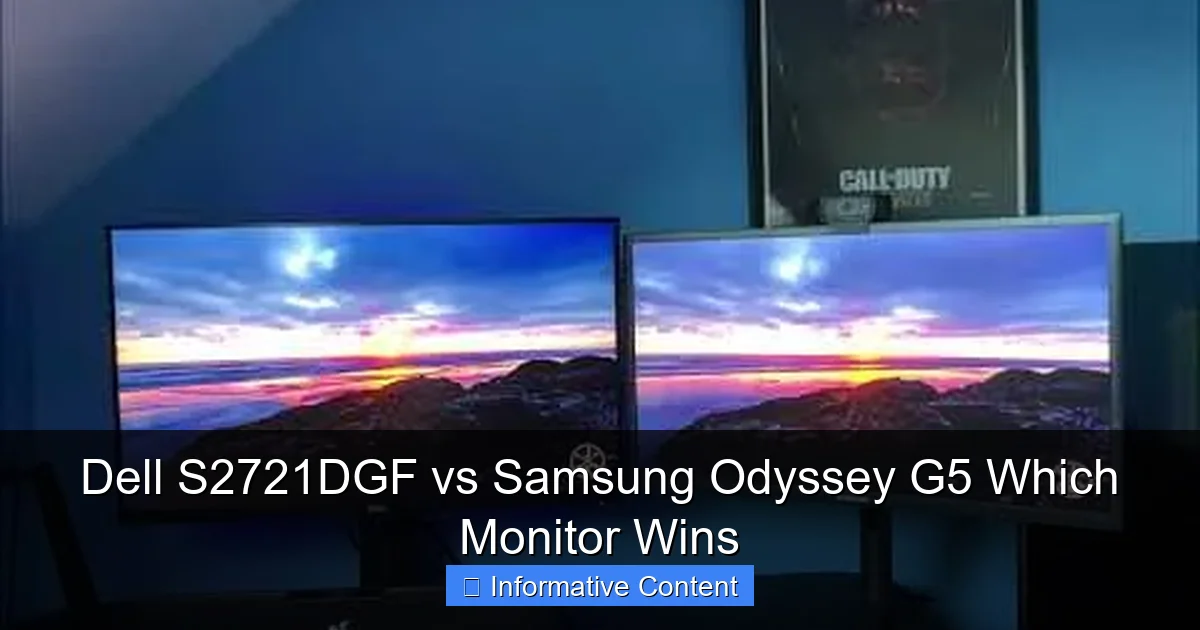
Visual guide about Dell S2721DGF vs Samsung Odyssey G5 Which Monitor Wins
Image source: i.ytimg.com
A great monitor isn’t just about what’s on the screen; it’s also about how it fits into your setup and how comfortable it is to use.
Stand Adjustability and Build Quality
This is an area where the Dell S2721DGF typically shines. Dell is known for its excellent monitor stands, and the S2721DGF is no exception. It offers a full suite of ergonomic adjustments: height, tilt, swivel, and even pivot (to portrait mode). This makes it incredibly versatile for finding the perfect viewing angle and can significantly reduce neck and eye strain during long sessions. The build quality feels solid and premium.
The Samsung Odyssey G5, while aesthetically pleasing with its aggressive gamer styling and 1000R curve, often comes with a more basic stand. Many versions of the Odyssey G5 only offer tilt adjustment, lacking height, swivel, or pivot. This means you might need to invest in a VESA-compatible monitor arm if you require more flexibility. The build quality is decent, but the stand’s limited adjustability is a clear trade-off.
Port Selection
Both monitors generally offer a standard array of ports suitable for gaming setups. You can expect DisplayPort 1.4 and HDMI 2.0 inputs. The Dell S2721DGF often includes a USB hub (typically 4x USB 3.0 downstream ports), which is incredibly convenient for connecting peripherals like your mouse, keyboard, or webcam directly to the monitor, reducing cable clutter on your desk. The Samsung Odyssey G5 typically lacks a USB hub, meaning you’ll need to route those peripherals elsewhere. This is another practical advantage for the Dell.
Value and Price: Getting the Most for Your Money
Finally, let’s talk about the bottom line. Both the Dell S2721DGF and the Samsung Odyssey G5 often hover in a similar mid-range price bracket, making the Dell S2721DGF vs Samsung Odyssey G5 decision even more about features and personal preference rather than a huge price disparity.
Pricing and Sales
Monitor prices fluctuate constantly, especially with sales and promotions. Generally, both monitors are competitively priced. You might find one or the other on a deeper discount at any given time, so keeping an eye out for deals is always wise. For what they offer, both represent good value, especially compared to their higher-end counterparts.
Warranty and Support
Dell is renowned for its excellent customer support and robust warranty policies, often including a premium panel guarantee and advance exchange service. Samsung also provides good warranty support, but Dell’s reputation for customer service in the monitor space is particularly strong. This can be a factor worth considering for long-term peace of mind.
Which Monitor Wins and For Whom?
So, after breaking down all the details, which monitor should you choose? The answer, as often is the case, depends on your priorities and usage patterns.
Choose the Dell S2721DGF if:
- You prioritize color accuracy and wide viewing angles: For vibrant visuals, content creation, or if multiple people view the screen.
- You want superior motion clarity with minimal ghosting: Its IPS panel and 1ms GtG typically deliver cleaner fast-motion performance.
- Ergonomics are crucial: The fully adjustable stand is a significant convenience.
- You need a USB hub: Integrated USB ports simplify cable management.
- You play a variety of games and do productivity work: It’s an excellent all-rounder.
- You want FreeSync Premium Pro: For optimal HDR gaming with adaptive sync.
Choose the Samsung Odyssey G5 if:
- You crave deep contrast and immersive blacks: Its VA panel excels in dark room gaming and movie watching.
- You desire an immersive curved experience: The 1000R curve is a unique selling point for single-player games.
- You primarily game in dimly lit environments: The higher contrast ratio will truly shine here.
- You’re on a tighter budget and can overlook stand limitations: If you plan to use a monitor arm anyway.
- You value a sleek, aggressive “gamer” aesthetic.
In essence, the Dell S2721DGF is the safe, all-around champion, excelling in versatility, color quality, and ergonomics. It’s the practical choice for most users. The Samsung Odyssey G5, conversely, is a specialist; it sacrifices some versatility for a deeply immersive, high-contrast curved experience that some gamers will absolutely adore, particularly for atmospheric titles.
Conclusion
The debate between the Dell S2721DGF vs Samsung Odyssey G5 highlights a classic trade-off in the monitor world: the balanced excellence of IPS versus the deep contrast and immersion of VA. Both monitors offer a fantastic 1440p high-refresh-rate gaming experience, far superior to older displays. Your decision ultimately hinges on what you value most.
If you desire a versatile display that delivers stunning colors, excellent motion clarity across the board, and top-tier ergonomics, the Dell S2721DGF is likely your winner. It’s a powerhouse for both work and play, adaptable to nearly any setup. However, if the allure of a truly immersive, high-contrast curved screen for epic gaming sessions is undeniable, and you game primarily in darker environments, then the Samsung Odyssey G5 will captivate you. Whichever you choose, both monitors represent a smart investment in your gaming and computing future, delivering a visual feast that will enhance every moment spent in front of your screen. Happy gaming!
Frequently Asked Questions
What are the main differences between an IPS and a VA panel?
IPS panels, like in the Dell S2721DGF, offer superior color accuracy and wider viewing angles, but generally have lower contrast ratios. VA panels, found in the Samsung Odyssey G5, boast much higher contrast ratios for deeper blacks, but can suffer from narrower viewing angles and potential “black smearing” in fast motion.
Is 165Hz noticeably better than 144Hz for gaming?
While 165Hz is technically faster, the difference between 144Hz and 165Hz is often very subtle and difficult for most users to perceive in everyday gaming. Both offer a significant upgrade over 60Hz displays and provide a smooth, fluid experience.
Does the 1000R curve on the Odyssey G5 make a big difference?
The 1000R curve is quite aggressive and is designed to enhance immersion by filling more of your peripheral vision. It’s a subjective preference; some users love it for its immersive feel in games, while others find it distracting for productivity work or prefer flat screens.
Can I connect game consoles like PS5 or Xbox Series X to these monitors?
Yes, both the Dell S2721DGF and Samsung Odyssey G5 have HDMI 2.0 ports, allowing them to connect to current-gen consoles. They can support 1440p at 120Hz (if the console supports it) and 1080p at 120Hz, offering a great console gaming experience.
Which monitor is better for productivity work and general use?
The Dell S2721DGF is generally better suited for productivity and general use due to its superior color accuracy, wide viewing angles, and fully adjustable stand. The flat screen is also often preferred for tasks involving straight lines and text, and the USB hub is a handy addition.
Do these monitors support HDR?
Both monitors typically feature VESA DisplayHDR 400 certification. While this offers a noticeable increase in peak brightness for HDR content compared to SDR, neither monitor provides true, high-end HDR performance with local dimming zones. The Dell’s FreeSync Premium Pro offers better synergy with HDR gaming.