Is a 144Hz Monitor Worth It ? 75Hz vs 144Hz Monitor Debunked
Deciding between a 75Hz vs 144Hz monitor can feel like a maze, but it boils down to your primary use and budget. While 75Hz offers a noticeable improvement over standard 60Hz and is perfectly adequate for most everyday tasks and casual gaming, a 144Hz monitor delivers a significantly smoother, more responsive experience, especially crucial for competitive gaming. The upgrade to 144Hz is often worth it for enthusiasts and gamers who can fully utilize its benefits with powerful hardware, but for many, 75Hz provides excellent value without breaking the bank.
Is a 144Hz Monitor Worth It 75Hz vs 144Hz Monitor Debunked
In the world of monitors, refresh rates are a hot topic, especially when you’re trying to figure out what’s best for your eyes, your games, and your wallet. You’ve probably heard numbers like 60Hz, 75Hz, 144Hz, or even higher, thrown around. It can feel like a whirlwind of technical jargon, making the simple act of buying a monitor surprisingly complicated.
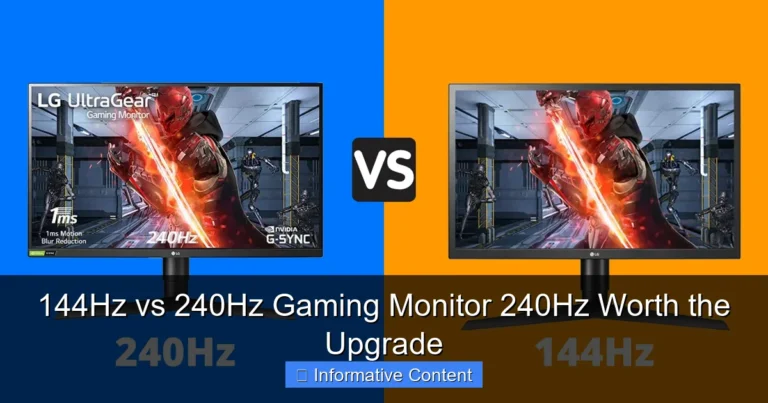
Today, we’re diving deep into a specific comparison that many users find themselves wrestling with: the 75Hz vs 144Hz monitor debate. Is that jump from 75Hz to 144Hz really worth the extra cash? Does it make a noticeable difference? And more importantly, is a 144Hz monitor truly worth it for you? We’re here to debunk the myths, clarify the facts, and help you make an informed decision without getting lost in the technical weeds.
Key Takeaways
- Refresh Rate Basics: Refresh rate (Hz) indicates how many times a monitor updates its image per second. Higher Hz means smoother motion, less blur, and a more responsive feel.
- 75Hz Advantage: A 75Hz monitor offers a tangible smoothness improvement over standard 60Hz, making it a great budget-friendly option for general use, media consumption, and casual gaming without demanding top-tier hardware.
- 144Hz for Performance: A 144Hz monitor provides a dramatically superior visual experience, significantly reducing motion blur and input lag. This makes it a game-changer for competitive gamers, eSports players, and anyone prioritizing ultimate fluidity.
- Beyond Gaming: While gaming benefits are primary, 144Hz also enhances general desktop use, scrolling, and even some content creation tasks, providing a smoother overall interaction with your PC.
- Hardware Matters: To fully experience the benefits of a 144Hz monitor, your graphics card (GPU) must be capable of outputting consistently high frame rates (FPS) that match or exceed the monitor’s refresh rate. Without sufficient FPS, the monitor’s potential is wasted.
- Cost and Value: 75Hz monitors are generally more affordable, offering excellent value. 144Hz monitors come at a higher price point, but for users who truly leverage their capabilities, the investment is often considered worthwhile for the enhanced experience.
- Personal Decision: The “worth” of a 144Hz monitor ultimately depends on your specific needs, budget, existing PC hardware, and how sensitive you are to motion smoothness.
Quick Answers to Common Questions
Can I really tell the difference between 75Hz and 144Hz?
Yes, most people can easily perceive the difference, especially in side-by-side comparisons or in fast-paced games. The jump from 75Hz to 144Hz is significant and results in much smoother motion.
Do I need a special cable for a 144Hz monitor?
Yes, to achieve 144Hz, you typically need a DisplayPort cable or a high-bandwidth HDMI cable (HDMI 2.0 or newer). Older HDMI versions might only support lower refresh rates.
Will a 144Hz monitor improve my gaming performance?
It won’t directly increase your PC’s frame rate (FPS), but it will allow you to see and react to those higher frames, potentially improving your in-game performance due to reduced input lag and clearer visuals.
Is a 144Hz monitor bad for my eyes?
No, a higher refresh rate generally results in less motion blur and flicker, which can actually be easier on the eyes and reduce strain for some users, particularly during prolonged use.
Should I buy a 144Hz monitor if my GPU only gets 60 FPS?
While a 144Hz monitor can still offer some benefits like adaptive sync and reduced input lag, you won’t experience the full smoothness of 144Hz if your GPU can’t consistently push higher frame rates. You’d be better off upgrading your GPU first or considering a 75Hz monitor if budget is a concern.
📑 Table of Contents
- Understanding Refresh Rates: What Do Hz Numbers Mean Anyway?
- The 75Hz Monitor Experience: Smooth Enough for Most?
- Stepping Up to 144Hz: The World of High Refresh Rates
- Who Benefits Most from 144Hz? Demystifying the Use Cases.
- Beyond Refresh Rate: Other Factors to Consider
- Making the Right Choice: Is 144Hz Truly Worth It For YOU?
Understanding Refresh Rates: What Do Hz Numbers Mean Anyway?
Before we jump into the direct comparison, let’s quickly explain what “Hz” means in the context of monitors. Hz, or Hertz, is the unit of measurement for refresh rate. In simple terms, your monitor’s refresh rate tells you how many times per second the screen can update its image. So, a 75Hz monitor refreshes 75 times per second, and a 144Hz monitor refreshes 144 times per second.
The Impact of Refresh Rate on Your Experience
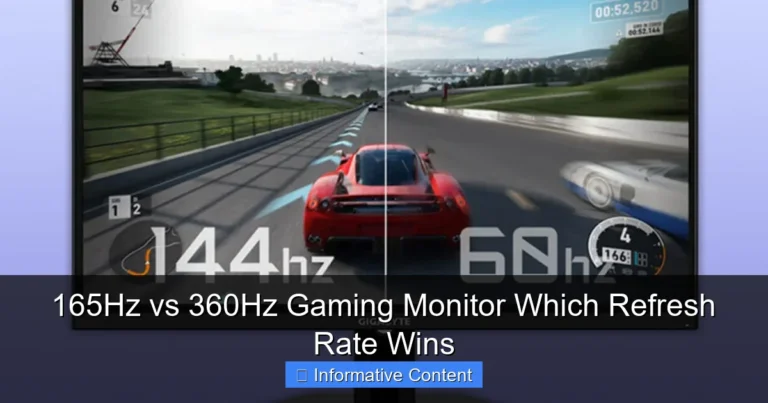
Why does this matter? Imagine flipping through a stack of pictures. If you flip slowly, the motion looks choppy. If you flip quickly, the motion appears smooth and fluid. It’s the same principle with your monitor. A higher refresh rate means more frames are displayed per second, resulting in smoother motion, reduced motion blur, and a more responsive feel to everything you do on screen. This is particularly noticeable in fast-paced content like video games, but it also impacts general desktop usage, like scrolling through web pages or moving your mouse cursor around.
The 75Hz Monitor Experience: Smooth Enough for Most?
For a long time, 60Hz was the standard for monitors. Anything above that was considered “high refresh rate.” Now, 75Hz has become a popular sweet spot for many budget-conscious buyers and those looking for a slight upgrade without breaking the bank. But what exactly does a 75Hz monitor offer?
Visual guide about Is a 144Hz Monitor Worth It 75Hz vs 144Hz Monitor Debunked
Image source: onecomputerguy.com
A Noticeable Step Up from 60Hz
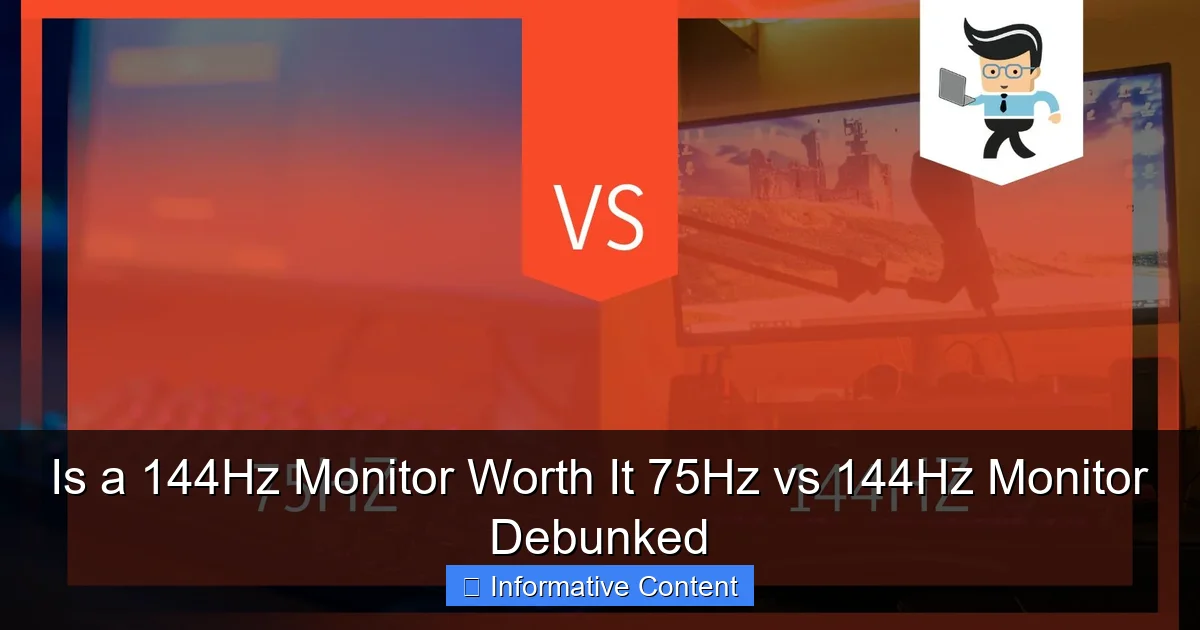
Compared to a standard 60Hz monitor, a 75Hz monitor provides a noticeable, albeit subtle, improvement in smoothness. That extra 15 frames per second makes scrolling feel a bit less choppy, and mouse movement appears more fluid. For casual gaming, it can provide a slightly more enjoyable experience, reducing screen tearing and blur in some scenarios, especially if your graphics card can consistently push frames between 60 and 75 FPS.
Ideal Use Cases for 75Hz Monitors
- Everyday Computing: For general web browsing, word processing, email, and media consumption, a 75Hz monitor is more than adequate. The subtle smoothness is a nice bonus that enhances the overall user experience without being strictly necessary.
- Casual Gaming: If you play single-player games, strategy games, or less demanding titles, a 75Hz monitor offers a good balance of performance and cost. You’ll get a smoother picture than 60Hz, making your games look a little better.
- Budget-Conscious Buyers: 75Hz monitors are often significantly more affordable than their 144Hz counterparts, making them an excellent choice if you’re working with a limited budget but still want an upgrade from 60Hz.
Pros and Cons of 75Hz Monitors
- Pros:
- Affordable price point.
- Noticeable smoothness improvement over 60Hz.
- Less demanding on your graphics card to achieve its full potential.
- Great for general use and casual gaming.
- Cons:
- Not ideal for competitive gaming where every millisecond counts.
- Still susceptible to motion blur and tearing in fast-paced scenes.
- Doesn’t offer the same level of immersion or responsiveness as 144Hz.
Stepping Up to 144Hz: The World of High Refresh Rates
Now, let’s talk about the big league: the 144Hz monitor. This is where things get really exciting, especially if you’re a gamer or someone who appreciates buttery-smooth visuals. The jump from 75Hz to 144Hz is much more dramatic and impactful than the jump from 60Hz to 75Hz.
Visual guide about Is a 144Hz Monitor Worth It 75Hz vs 144Hz Monitor Debunked
Image source: i.ytimg.com
The Visual Difference: A Game Changer
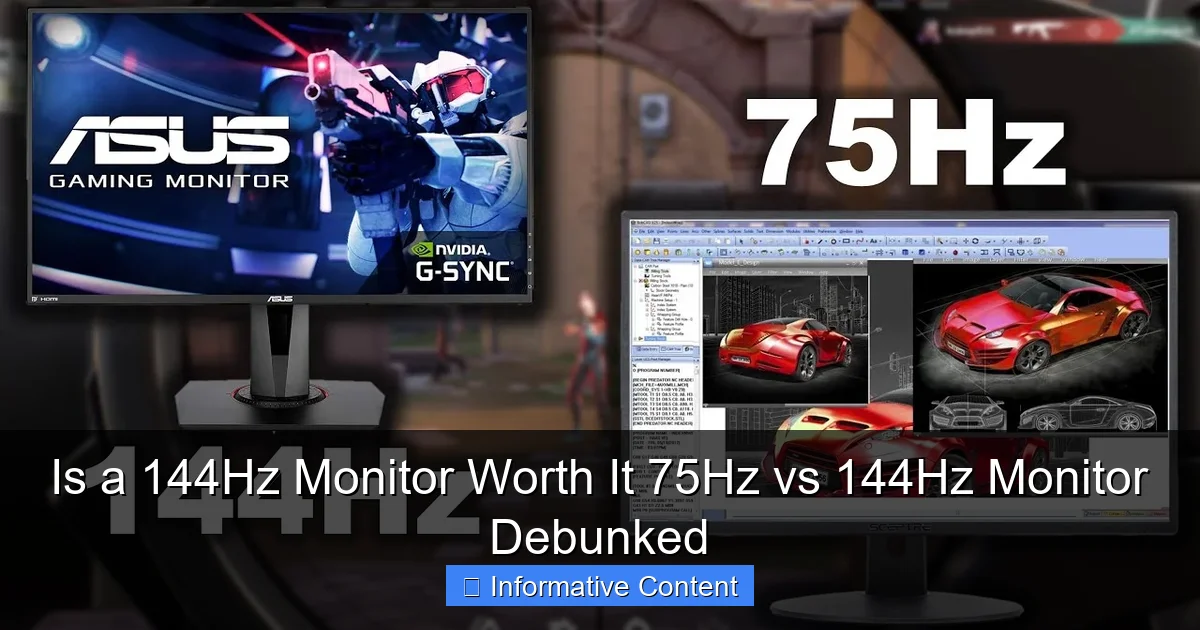
When you move from a 75Hz monitor to a 144Hz monitor, the difference is often described as night and day. Everything on screen feels incredibly fluid and responsive. Mouse movements glide, animations are seamless, and most importantly, fast-paced action in games transforms. Motion blur is drastically reduced, objects in motion appear much clearer, and you gain a clearer picture of what’s happening on screen at any given moment. This reduction in motion blur can even reduce eye strain for some users during prolonged use.
Benefits for Gamers and Beyond
- Competitive Gaming: This is where a 144Hz monitor truly shines. In fast-paced games like first-person shooters (FPS) or racing games, the higher refresh rate means you see enemies or obstacles sooner, react faster, and have a more precise aim. The lower input lag also contributes to a more responsive feel, giving you a competitive edge.
- Enhanced Immersion: Even for single-player games, the added smoothness and clarity create a more immersive and cinematic experience. The world feels more alive and reactive.
- Content Creation: While not as critical as for gaming, video editors or animators working with high frame rate footage might appreciate the smoother playback and precise control offered by a 144Hz monitor.
- General Desktop Experience: Even outside of games, navigating your operating system, scrolling through documents, or simply moving windows around feels incredibly smooth and satisfying on a 144Hz monitor. Once you experience it, going back to a lower refresh rate can feel jarring.
Pros and Cons of 144Hz Monitors
- Pros:
- Significantly smoother and more fluid visuals across the board.
- Drastically reduced motion blur and input lag.
- Huge advantage in competitive gaming.
- More immersive experience for all types of content.
- Can reduce eye strain for some users.
- Cons:
- Higher price point compared to 75Hz monitors.
- Requires a powerful graphics card to consistently achieve high frame rates (100+ FPS) in games.
- The benefits are less pronounced if your PC can’t output enough frames.
- Can sometimes require more careful setup (e.g., ensuring you’re using DisplayPort or a high-bandwidth HDMI cable).
Who Benefits Most from 144Hz? Demystifying the Use Cases.
The core of the “Is a 144Hz monitor worth it?” question lies in whether your usage aligns with its strengths. Let’s break down who really benefits from making the leap from a 75Hz vs 144Hz monitor.
Visual guide about Is a 144Hz Monitor Worth It 75Hz vs 144Hz Monitor Debunked
Image source: gadgetreview.com
The Competitive Gamer: Your New Best Friend
If you play competitive games like Valorant, CS:GO, Call of Duty, Apex Legends, or Overwatch, a 144Hz monitor is almost a necessity. The ability to see opponents sooner, track fast-moving targets more precisely, and react instantly can significantly impact your performance. Many professional eSports players wouldn’t dream of competing on anything less. This is arguably the biggest justification for investing in a 144Hz monitor.
The Enthusiast Gamer: Dive Deeper into Immersion
Even if you’re not chasing rank #1, if you love gaming and appreciate the best possible visual experience, a 144Hz monitor dramatically enhances immersion. Open-world games feel more expansive, fast-paced action sequences are clearer, and the overall fluidity makes games simply more enjoyable. If your PC hardware can consistently push high frame rates (say, 80-120 FPS or more) in your favorite titles, you’ll feel the difference.
The Everyday User: A Subtle Luxury
For someone who primarily browses the web, checks emails, watches YouTube, and does light productivity work, the upgrade from a 75Hz vs 144Hz monitor is more of a luxury than a necessity. The smoother scrolling and mouse movement are definitely pleasant, but they won’t fundamentally change your workflow or productivity. If you have the budget and enjoy a premium experience, it’s a nice perk, but don’t expect a revelation.
The Content Creator: Niche Benefits
For video editors or animators, the benefits are mixed. While smoother playback of high frame rate footage is good, color accuracy, resolution, and panel type (IPS vs. VA vs. TN) often take precedence over refresh rate. That said, if you’re also a gamer, a 144Hz monitor with good color reproduction can serve a dual purpose.
Beyond Refresh Rate: Other Factors to Consider
While refresh rate is crucial when comparing a 75Hz vs 144Hz monitor, it’s not the only spec that matters. Here are other important considerations:
Resolution (1080p, 1440p, 4K)
A higher refresh rate paired with a higher resolution often requires an even more powerful GPU. A 144Hz 1080p monitor is much easier to drive than a 144Hz 1440p monitor or a 4K monitor. Ensure your system can handle the resolution at your desired frame rate.
Panel Type (IPS, VA, TN)
- IPS (In-Plane Switching): Offers excellent color accuracy and wide viewing angles, making them great for content creation and general media. Response times are usually good, but not always the absolute fastest.
- VA (Vertical Alignment): Known for high contrast ratios and deep blacks, offering a more immersive experience for movies and atmospheric games. Response times can sometimes be slower than TN or IPS.
- TN (Twisted Nematic): Historically the fastest response times, making them popular for competitive gaming. However, they typically have poorer color accuracy and narrower viewing angles.
Many modern 144Hz monitors come with excellent IPS or VA panels that offer a great balance of speed and visual quality.
Response Time
Measured in milliseconds (ms), response time indicates how quickly a pixel can change from one color to another. A low response time (1ms, 4ms, 5ms) helps reduce ghosting, especially important for fast-moving images. Even a 144Hz monitor can suffer from ghosting if it has a slow response time.
Adaptive Sync (G-Sync / FreeSync)
These technologies synchronize your monitor’s refresh rate with your graphics card’s frame rate. This eliminates screen tearing and stuttering, creating an even smoother gaming experience. If you’re investing in a 144Hz monitor, look for one that supports either NVIDIA G-Sync (if you have an NVIDIA GPU) or AMD FreeSync (if you have an AMD GPU), or preferably, a monitor that is compatible with both (often called “G-Sync Compatible” for FreeSync monitors).
Your PC Hardware
This is perhaps the most critical factor. There’s no point in buying a 144Hz monitor if your graphics card can only push 60-70 FPS in your favorite games. To truly benefit from a 144Hz monitor, your PC needs to consistently achieve frame rates at or above the monitor’s refresh rate. If your current GPU struggles with 60 FPS, a 75Hz monitor might be a more practical upgrade, or you might need to factor in a GPU upgrade as well.
Making the Right Choice: Is 144Hz Truly Worth It For YOU?
Ultimately, the decision between a 75Hz vs 144Hz monitor is personal. There’s no universal “better” option; it’s about what best suits your needs, budget, and system capabilities. Let’s break it down one last time:
Choose a 75Hz Monitor If:
- You’re on a tight budget but want a noticeable upgrade from 60Hz.
- Your primary use is general computing, web browsing, productivity, and media consumption.
- You play casual games or older titles where your GPU consistently gets 60-75 FPS.
- You don’t play competitive eSports titles where every millisecond matters.
A 75Hz monitor offers excellent value and a great experience for the majority of users.
Choose a 144Hz Monitor If:
- You are a serious or competitive gamer, especially in fast-paced genres.
- You have a powerful graphics card (e.g., an NVIDIA RTX 3060/AMD RX 6600 or higher) that can consistently push 100+ FPS in your preferred games.
- You prioritize the smoothest possible visual experience for all PC interactions.
- Your budget allows for the higher cost of a 144Hz monitor and potentially a more powerful GPU.
- You simply want the best possible experience and are willing to pay for it.
For those who can leverage its capabilities, a 144Hz monitor is absolutely worth the investment, delivering a transformative experience that’s hard to go back from.
The debate of 75Hz vs 144Hz monitor isn’t about one being inherently superior for everyone, but about finding the right fit. Assess your current hardware, define your primary use cases, and set a realistic budget. Either way, upgrading your monitor’s refresh rate will bring a new level of enjoyment to your computing experience. Happy hunting!
Frequently Asked Questions
What is the biggest advantage of a 144Hz monitor over a 75Hz monitor?
The biggest advantage is significantly smoother motion and reduced motion blur. This makes everything on screen, from mouse movements to fast-paced game action, appear incredibly fluid and responsive, offering a substantial competitive edge in gaming and a more comfortable general computing experience.
Can a 75Hz monitor handle competitive gaming?
While a 75Hz monitor is better than a 60Hz one for competitive gaming, it will still put you at a disadvantage against players using 144Hz or higher refresh rate monitors. The reduced refresh rate means more input lag and less visual information per second, making it harder to react as quickly or precisely.
Will a 144Hz monitor automatically run at 144Hz out of the box?
Not always. You usually need to manually set the refresh rate to 144Hz in your operating system’s display settings or your graphics card’s control panel. Also, ensure you’re using a compatible DisplayPort or high-bandwidth HDMI cable to achieve the full refresh rate.
Are 75Hz monitors good for everyday work and entertainment?
Absolutely! For everyday tasks like browsing, office work, watching movies, and casual video playback, a 75Hz monitor provides a very smooth and pleasant experience that is a noticeable improvement over standard 60Hz displays. It offers excellent value without being overkill for these uses.
How much more expensive is a 144Hz monitor compared to a 75Hz monitor?
The price difference can vary significantly based on brand, size, resolution, panel type, and features like adaptive sync. Generally, a 144Hz monitor will be moderately to considerably more expensive than a comparable 75Hz model, especially at higher resolutions or with premium features.
What if my PC can only reach 90 FPS in games? Is a 144Hz monitor still worth it?
Yes, even if your PC can only consistently reach 90 FPS, a 144Hz monitor is still beneficial. You’ll still experience those 90 frames per second on the monitor, which is smoother than 75Hz. Plus, with adaptive sync (G-Sync/FreeSync), you’ll avoid screen tearing and stuttering, leading to a much smoother visual experience than a non-adaptive sync 75Hz monitor.