75Hz vs 165Hz Monitor – Is The Higher Refresh Rate Worth It
Choosing between a 75Hz vs 165Hz monitor depends on your specific needs and budget. While a 75Hz monitor offers a noticeable upgrade from 60Hz for general use and casual gaming, a 165Hz monitor provides a significantly smoother and more responsive experience, crucial for competitive gaming and demanding applications. Understanding the difference and considering other factors like your GPU and budget is key to making the right decision.
Hey there, tech enthusiast! Have you ever found yourself scrolling through monitor specifications, only to be met with terms like “75Hz” and “165Hz,” and wondering what on earth they mean for your everyday computing? You’re definitely not alone. It’s a common dilemma, especially with so many options flooding the market today. Choosing the right monitor isn’t just about screen size or resolution anymore; refresh rate plays a massive role in how smooth and responsive your visual experience feels.
Today, we’re diving deep into the age-old question for many PC users: “75Hz vs 165Hz monitor, is the higher refresh rate worth it?” We’ll break down exactly what these numbers mean, what kind of experience each offers, and help you figure out which one is the perfect fit for your setup and, more importantly, your wallet. Whether you’re a hardcore gamer, a casual browser, or someone who just wants to enjoy crisp, fluid visuals, understanding the nuances between these two refresh rates is crucial for making an informed decision.
Let’s cut through the jargon and get to the heart of the matter. Is that super-smooth 165Hz monitor truly a game-changer, or will a solid 75Hz monitor provide all the responsiveness you need without breaking the bank? We’re about to find out!
Key Takeaways
- Refresh Rate Basics: Refresh rate, measured in Hertz (Hz), indicates how many times a monitor updates its image per second. Higher numbers mean smoother motion.
- 75Hz Advantage: A 75Hz monitor offers a subtle but noticeable improvement over standard 60Hz displays, making everyday tasks and casual gaming feel a bit smoother without a significant price jump. It’s often a good entry point for those looking for a small upgrade.
- 165Hz Superiority: A 165Hz monitor delivers a dramatically smoother visual experience, reducing motion blur and input lag. This is particularly beneficial for fast-paced competitive gaming, where every millisecond counts, and for a premium desktop experience.
- Beyond Refresh Rate: Other crucial factors like response time (lower is better), panel type (IPS, VA, TN), resolution, and adaptive sync technologies (FreeSync, G-Sync) significantly impact the overall monitor experience and should be considered alongside refresh rate.
- GPU Matters: To fully utilize a 165Hz monitor, your graphics card (GPU) must be capable of rendering games and applications at frame rates consistently close to 165 frames per second (FPS). A powerful GPU is essential to avoid bottlenecks.
- Budget vs. Benefit: While 165Hz monitors offer a superior experience, they come at a higher cost. For casual users or those on a tight budget, a 75Hz monitor might offer the best value, providing a good balance of performance and affordability.
- Personal Use Case: Your primary use — whether it’s competitive gaming, graphic design, general productivity, or media consumption — should heavily influence your decision when comparing a 75Hz vs 165Hz monitor.
Quick Answers to Common Questions
Can a 75Hz monitor still support adaptive sync technologies like FreeSync?
Yes, many 75Hz monitors come with FreeSync support, which helps eliminate screen tearing and stuttering by synchronizing the monitor’s refresh rate with your GPU’s frame rate, even at lower refresh rates.
Do I need a special cable for a 165Hz monitor?
For 165Hz at higher resolutions (like 1440p), you will typically need a DisplayPort 1.2 or higher, or an HDMI 2.0 or higher cable. Standard HDMI 1.4 might only support 165Hz at lower resolutions or lower refresh rates.
Will I notice the difference between 75Hz and 165Hz immediately?
Most people will notice a significant difference immediately, especially when dragging windows, scrolling, or playing fast-paced games. The visual smoothness and responsiveness are much greater on a 165Hz monitor compared to a 75Hz monitor.
Does my CPU affect refresh rate?
While the GPU is primarily responsible for generating frames, a weak CPU can bottleneck the GPU, preventing it from producing enough frames per second to fully utilize a high-refresh-rate monitor like a 165Hz display. So, an adequate CPU is also important.
Is a 165Hz monitor bad for my eyes?
No, a 165Hz monitor is not bad for your eyes; in fact, the smoother motion can potentially be easier on the eyes by reducing perceived flicker and motion blur compared to lower refresh rates. Always ensure proper viewing distance and take breaks.
📑 Table of Contents
- Understanding Refresh Rate: What Do Those Numbers Even Mean?
- The 75Hz Monitor Experience: A Solid Stepping Stone
- The 165Hz Monitor Experience: Unparalleled Smoothness
- Beyond Refresh Rate: Other Key Considerations
- Who Needs a 165Hz Monitor? Who Can Stick with 75Hz?
- Making Your Decision: Is The Higher Refresh Rate Worth It?
- Conclusion
Understanding Refresh Rate: What Do Those Numbers Even Mean?
Before we pit the 75Hz vs 165Hz monitor against each other, let’s nail down what “Hz” actually signifies in the context of a display. Simply put, the refresh rate of a monitor tells you how many times per second the screen can draw a new image. It’s measured in Hertz (Hz). So, a 75Hz monitor refreshes 75 times per second, and a 165Hz monitor refreshes a whopping 165 times per second.
Think of it like flipping through a flipbook. If you flip the pages slowly, the animation looks choppy. If you flip them really fast, the animation appears smooth and continuous. The same principle applies to your monitor. A higher refresh rate means the images on your screen are updated more frequently, resulting in significantly smoother motion, less perceived lag, and a generally more fluid visual experience. This can be particularly noticeable when dragging windows around your desktop, scrolling through web pages, or, most famously, playing video games.
The Relationship Between Refresh Rate and Frame Rate (FPS)
It’s important to understand that refresh rate (Hz) and frame rate (FPS – Frames Per Second) are related but distinct concepts. Your monitor’s refresh rate is its maximum capability to display frames. Your computer’s graphics card (GPU) dictates the frame rate at which it can render frames for a particular game or application.
* If your GPU is rendering a game at 100 FPS on a 75Hz monitor, you’re effectively capped at seeing 75 distinct frames per second. The monitor can’t display more frames than its refresh rate allows, leading to potential screen tearing if adaptive sync isn’t used.
* If your GPU is rendering a game at 160 FPS on a 165Hz monitor, you’ll see almost every single one of those 160 frames, resulting in a very smooth experience.
The goal is generally for your GPU’s FPS output to match or exceed your monitor’s refresh rate to take full advantage of the display’s capabilities. This becomes a key consideration when deciding on a 75Hz vs 165Hz monitor.
The 75Hz Monitor Experience: A Solid Stepping Stone
Visual guide about 75Hz vs 165Hz Monitor Is The Higher Refresh Rate Worth It
Image source: techinspection.net
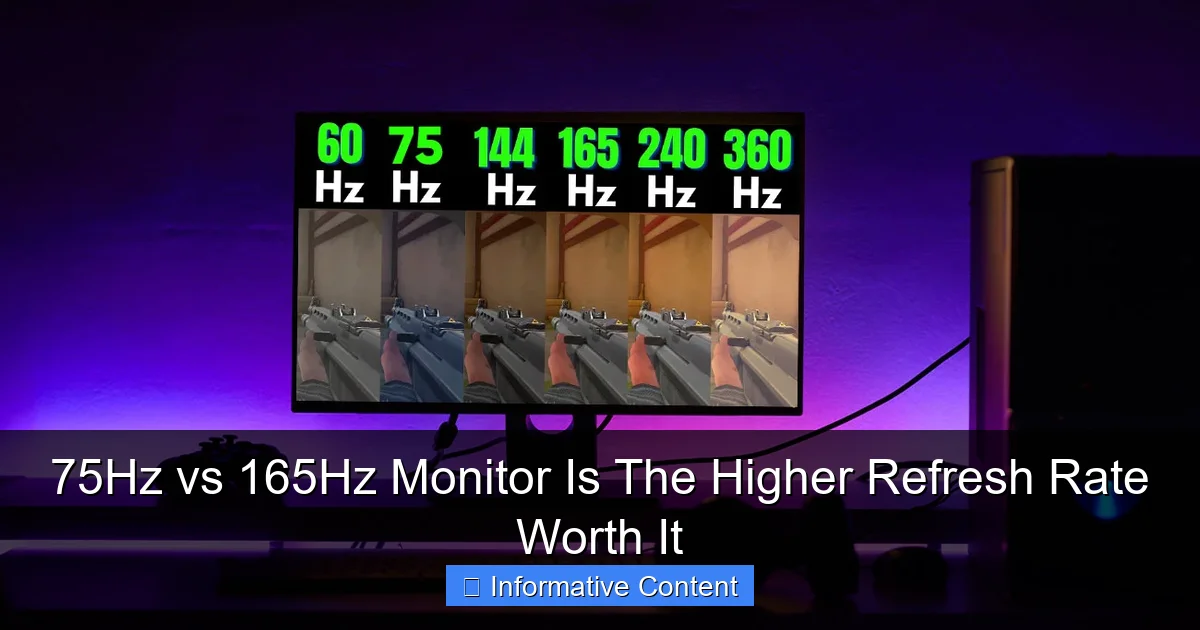
Let’s kick things off with the 75Hz monitor. For many years, the standard refresh rate for most monitors was 60Hz. Even today, many budget-friendly displays still sit at this benchmark. A 75Hz monitor, therefore, represents a small but noticeable upgrade from that traditional 60Hz baseline.
What to Expect from a 75Hz Monitor
When you switch from a 60Hz monitor to a 75Hz monitor, you’ll likely feel a subtle increase in smoothness. This isn’t a revolutionary change, but it’s enough to make everyday tasks feel a bit more fluid. Scrolling through long documents, dragging windows across your desktop, or even just moving your mouse cursor can feel less choppy.
For casual gamers, a 75Hz monitor can be a decent option. If you’re playing single-player story-driven games, strategy games, or less graphically intensive titles, you’ll probably find the experience quite acceptable. The extra 15 frames per second compared to 60Hz can make motion look slightly cleaner and reduce minor instances of motion blur. It’s an improvement that provides good value without demanding a top-tier graphics card to drive it.
Ideal Use Cases for 75Hz
* General Productivity: If your primary use involves web browsing, office applications, watching videos, and light photo editing, a 75Hz monitor is more than adequate. The slight bump in smoothness over 60Hz adds a touch of polish to these everyday tasks.
* Casual Gaming: For gamers who enjoy titles at a relaxed pace or those with older GPUs that struggle to hit high frame rates, a 75Hz monitor can be a cost-effective choice. It provides a good balance for enjoying games without investing heavily in a high-refresh-rate setup.
* Budget-Conscious Buyers: Often, 75Hz monitors are more affordable than their higher-refresh-rate counterparts, making them an excellent choice for those looking for a modern display without a hefty price tag. You can often find a good 75Hz monitor with decent resolution and panel quality for a very reasonable sum.
In essence, a 75Hz monitor offers a ‘sweet spot’ for many users, providing a noticeable upgrade from standard displays without the premium cost or the need for a powerhouse PC. It’s a practical and effective choice for a wide range of computing activities.
The 165Hz Monitor Experience: Unparalleled Smoothness
Visual guide about 75Hz vs 165Hz Monitor Is The Higher Refresh Rate Worth It
Image source: miro.medium.com
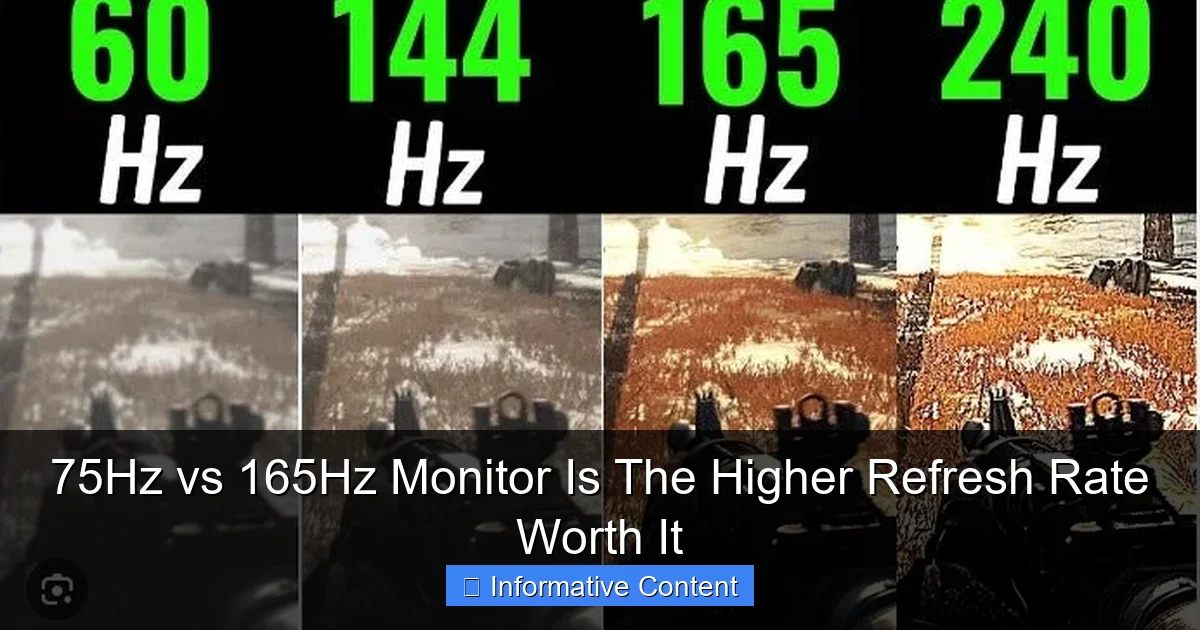
Now, let’s talk about the big leap: the 165Hz monitor. This is where the magic truly happens, especially for those who prioritize responsiveness and visual fluidity. The difference between a 75Hz vs 165Hz monitor is night and day for certain applications.
What to Expect from a 165Hz Monitor
Moving from a 75Hz monitor to a 165Hz monitor is like going from a gentle jog to a full sprint. The visual difference is dramatic and immediately apparent to most users. Everything on the screen feels incredibly smooth, crisp, and responsive.
* Reduced Motion Blur: With 165 updates per second, fast-moving objects on your screen will appear much clearer, with significantly less blur. This makes it easier to track enemies in games, follow fast-paced sports, or even just read text while scrolling rapidly.
* Lower Input Lag: While refresh rate isn’t the sole factor in input lag, a higher refresh rate generally contributes to a more responsive feel. This means there’s less delay between your mouse clicks or keyboard presses and the action appearing on screen.
* Enhanced Visual Clarity: The sheer number of frames displayed per second creates a sense of “liquid” motion. This isn’t just for gaming; even moving your mouse around the desktop or dragging windows feels incredibly smooth and satisfying.
Ideal Use Cases for 165Hz
* Competitive Gaming: This is arguably where a 165Hz monitor shines brightest. In fast-paced first-person shooters (FPS), MOBAs, or racing games, the ability to see more frames per second provides a significant competitive edge. You can react faster to enemies, track targets more precisely, and benefit from reduced ghosting and tearing. Many professional gamers consider 144Hz and above refresh rates essential. When comparing a 75Hz vs 165Hz monitor for gaming, the 165Hz option is the clear winner for serious players.
* Professional Work (Specific Fields): While not strictly necessary for general office work, professionals in fields like video editing, animation, or CAD may appreciate the smoother motion and increased responsiveness, especially when working with fast-moving timelines or complex models.
* Immersive Entertainment: Watching high-frame-rate content, such as certain sports broadcasts or gaming streams, on a 165Hz monitor can provide a more immersive and lifelike experience due to the fluidity of motion.
* High-End PC Builds: If you’ve invested in a powerful graphics card (like an RTX 3070/4070 or RX 6700XT/7700XT and above), a 165Hz monitor allows you to fully utilize its potential by displaying the high frame rates your GPU can produce. Without it, your powerful GPU would be bottlenecked by a lower refresh rate display.
The 165Hz monitor is for those who demand the best possible visual fidelity and responsiveness. It’s an investment in a premium experience that truly elevates everything you do on your computer, especially if gaming is a significant part of your routine.
Beyond Refresh Rate: Other Key Considerations
Visual guide about 75Hz vs 165Hz Monitor Is The Higher Refresh Rate Worth It
Image source: i.ytimg.com
While comparing 75Hz vs 165Hz monitor is crucial, refresh rate isn’t the only factor that makes a great display. To make a truly informed decision, you need to consider a few other essential specifications.
Response Time
Response time (measured in milliseconds, ms) refers to how quickly a pixel can change from one color to another. Lower response times mean less ghosting or streaking behind fast-moving objects.
* Gaming Monitors: For competitive gaming, you’ll want a response time of 1ms GtG (gray-to-gray).
* General Use: For casual gaming and general use, 4ms or 5ms GtG is usually perfectly fine.
A monitor with a high refresh rate but slow response time can still suffer from noticeable ghosting, undermining the smoothness. So, when looking at a 75Hz vs 165Hz monitor, always check the response time too.
Panel Type
The type of display panel affects color accuracy, viewing angles, and response time.
* IPS (In-Plane Switching): Excellent color accuracy and wide viewing angles. Generally preferred for graphic design and media consumption. Response times have improved significantly, making IPS gaming monitors common.
* VA (Vertical Alignment): Offers superior contrast ratios and deeper blacks compared to IPS. Good for movies and immersive gaming. Response times can sometimes be slower, leading to “black smearing” in dark scenes.
* TN (Twisted Nematic): Fastest response times (often 1ms). Historically preferred for competitive gaming due to speed. However, they suffer from poorer color reproduction and narrow viewing angles. Less common in newer high-refresh-rate monitors as IPS has caught up.
Resolution
Resolution (e.g., 1080p, 1440p, 4K) dictates the sharpness and detail of the image.
* 1080p (Full HD): Easiest to drive at high frame rates, common for competitive gaming on a 75Hz vs 165Hz monitor.
* 1440p (QHD/2K): A fantastic balance between visual fidelity and performance, increasingly popular for high-refresh-rate gaming. Demands a more powerful GPU than 1080p.
* 4K (UHD): Offers incredible detail but is very demanding on your GPU, making it challenging to hit high frame rates, especially at 165Hz, unless you have a top-tier system.
Adaptive Sync (FreeSync/G-Sync)
Adaptive sync technologies like AMD FreeSync and NVIDIA G-Sync are crucial for a smooth, tear-free gaming experience, regardless of whether you pick a 75Hz vs 165Hz monitor. These technologies synchronize the monitor’s refresh rate with your GPU’s frame rate. This eliminates screen tearing (when multiple frames appear on screen at once) and reduces stuttering, even if your frame rate fluctuates below your monitor’s maximum refresh rate. Ensure the monitor you choose supports the adaptive sync technology compatible with your graphics card (FreeSync for AMD, G-Sync for NVIDIA, or G-Sync Compatible for certain FreeSync monitors).
Connectivity
Make sure your monitor has the right ports for your PC. DisplayPort is generally preferred for high refresh rates and resolutions, especially if you want to use adaptive sync. HDMI can also support high refresh rates, but check the specific version (e.g., HDMI 2.0 or 2.1 for higher bandwidth).
Who Needs a 165Hz Monitor? Who Can Stick with 75Hz?
Deciding between a 75Hz vs 165Hz monitor ultimately boils down to your personal usage habits, your budget, and the capabilities of your current PC hardware, particularly your graphics card.
You Should Consider a 165Hz Monitor If:
* You’re a Competitive Gamer: If you play fast-paced competitive games like CS:GO, Valorant, Apex Legends, or Call of Duty, and winning is important to you, the fluidity and responsiveness of a 165Hz monitor can provide a tangible advantage. Every millisecond counts.
* You Have a Powerful Graphics Card: If your PC boasts a modern mid-to-high-end GPU (like an NVIDIA RTX 3060/4060 or AMD RX 6600 XT/7600 and up), you’re probably getting high frame rates in your games. A 165Hz monitor will allow you to fully experience those frames.
* You Value Maximum Smoothness: Even for non-gaming tasks, if you appreciate an ultra-smooth desktop experience, the difference is very noticeable.
* You Want to Future-Proof Your Setup: While costly now, a high-refresh-rate monitor will likely serve you well for many years, even as games become more demanding.
You Can Stick with a 75Hz Monitor If:
* You’re a Casual User: If your primary activities are web browsing, email, streaming videos, and general office work, a 75Hz monitor offers a great experience without being overkill.
* You’re a Casual Gamer (or Play Slow-Paced Games): For turn-based strategy games, slower RPGs, or puzzle games, the benefits of 165Hz are minimal. Even for some action games, if you’re not competing, 75Hz is perfectly fine.
* You Have an Older or Entry-Level GPU: If your graphics card struggles to push beyond 60-75 FPS in most games, a 165Hz monitor would be largely wasted as your GPU wouldn’t be able to provide enough frames to match the refresh rate. You’d be paying for capability you can’t use.
* You’re on a Tight Budget: A 75Hz monitor often provides an excellent performance-to-price ratio, allowing you to save money that could potentially be allocated to other PC components like a better CPU or SSD.
The choice between a 75Hz vs 165Hz monitor isn’t about one being inherently “better” in all situations, but rather which one is “better for you” based on your specific context.
Making Your Decision: Is The Higher Refresh Rate Worth It?
So, we’ve walked through the ins and outs of the 75Hz vs 165Hz monitor debate. The question remains: is the higher refresh rate worth the extra cost?
For a large segment of the population – those who mostly use their computer for productivity, web browsing, streaming, and very casual gaming – a 75Hz monitor is an excellent choice. It provides a subtle but pleasing upgrade over a 60Hz display, making everything feel a bit snappier, without demanding a premium price or a high-end graphics card. You’ll get good value for your money, and you likely won’t feel like you’re missing out.
However, if you are a serious gamer, particularly in competitive titles, or if you simply appreciate the absolute smoothest visual experience possible and have the hardware to support it, then a 165Hz monitor is absolutely worth the investment. The difference in fluidity, responsiveness, and reduction in motion blur is profound. It can enhance your gameplay, make tracking objects easier, and generally provide a more immersive and satisfying interaction with your PC. The cost premium for a 165Hz monitor, along with the potential need for a more powerful GPU, is justified by the significant upgrade in user experience for those specific use cases.
Think about it this way: a 75Hz monitor is like a really good, comfortable sedan – it gets you where you need to go smoothly and reliably. A 165Hz monitor is like a high-performance sports car – it offers exhilarating speed and precision, but it requires more fuel (a powerful GPU) and comes with a higher price tag. Both are great vehicles, but they serve different drivers and purposes.
Ultimately, the best monitor for you depends on what you do, what you expect, and what your budget allows. Consider your primary activities, check your PC’s specifications, and then weigh the cost against the benefits. Regardless of your choice between a 75Hz vs 165Hz monitor, you’ll be making a step towards a more informed and enjoyable computing experience.
Conclusion
Navigating the world of monitor specifications can be tricky, but understanding refresh rates like 75Hz and 165Hz is fundamental to getting the display that best suits your needs. A 75Hz monitor offers a pleasant, affordable upgrade for everyday tasks and casual gaming, delivering a smoother feel than standard 60Hz screens. In contrast, a 165Hz monitor transforms your visual experience, providing unparalleled fluidity and responsiveness, which is indispensable for competitive gaming and highly valued by those seeking the pinnacle of desktop smoothness.
When deciding between a 75Hz vs 165Hz monitor, remember to consider your PC’s graphics card, your budget, and most importantly, your primary use case. Don’t forget to look beyond just refresh rate, taking into account response time, panel type, resolution, and adaptive sync technologies. By doing so, you’ll ensure that your next monitor purchase is a smart investment that truly enhances your digital life. Happy computing!
Frequently Asked Questions
What is the main benefit of a higher refresh rate monitor like 165Hz?
The main benefit of a 165Hz monitor is significantly smoother motion, reduced input lag, and less motion blur compared to lower refresh rates. This translates to a more fluid desktop experience and a distinct advantage in fast-paced gaming, allowing for quicker reactions and clearer target tracking.
Can my old graphics card run a 165Hz monitor?
While an older graphics card can output a signal to a 165Hz monitor, it likely won’t be able to generate enough frames per second (FPS) in modern games to fully utilize the high refresh rate. To truly benefit from a 165Hz monitor, your GPU should be capable of consistently pushing frame rates close to or above 165 FPS.
Is 75Hz enough for casual gaming?
Yes, 75Hz is generally enough for casual gaming. It offers a noticeable improvement over standard 60Hz monitors, providing a slightly smoother and more responsive experience without requiring a high-end graphics card. For many non-competitive games, 75Hz offers a good balance of performance and affordability.
What’s the difference between 144Hz and 165Hz?
The difference between 144Hz and 165Hz is minimal and often imperceptible to the human eye for most users. Both are considered high refresh rates and offer excellent smoothness. Monitors that are natively 144Hz can sometimes be “overclocked” slightly to reach 165Hz, or they might simply be slightly different factory refresh rates with no practical difference in experience.
Does a higher refresh rate monitor consume more power?
Generally, a higher refresh rate monitor will consume slightly more power than a lower refresh rate monitor of the same size and panel type, especially when actively displaying high-frame-rate content. However, the difference is usually not substantial enough to be a major concern for most users’ electricity bills.
Should I prioritize refresh rate or resolution for gaming?
This depends on the type of gaming you do. For competitive, fast-paced games, prioritize refresh rate for maximum responsiveness and smoothness. For visually stunning, single-player, story-driven games where immersion is key, prioritizing a higher resolution (e.g., 1440p or 4K) might be more rewarding, provided your GPU can handle it.