Dell S2721DGF vs ASUS VG27AQ The Ultimate Monitor Showdown
Deciding between the Dell S2721DGF vs ASUS VG27AQ can be tough for gamers and professionals alike. Both offer impressive 1440p IPS panels with 1ms response times, but the Dell edges out with a 165Hz refresh rate and superior adaptive sync. The ASUS, however, provides excellent value and color accuracy, making both strong contenders depending on your specific needs and priorities for gaming or everyday use.
When you are on the hunt for a new gaming monitor, the choices can be overwhelming. Every year, manufacturers push the boundaries, offering faster refresh rates, clearer pictures, and more immersive experiences. But how do you pick the perfect display that balances performance, aesthetics, and value? Today, we’re diving deep into a comparison of two highly popular and critically acclaimed 27-inch 1440p IPS gaming monitors: the Dell S2721DGF and the ASUS VG27AQ.
These two monitors have consistently been at the top of many “best gaming monitor” lists for good reason. They both offer a fantastic sweet spot for gaming: a crisp 1440p resolution, vibrant IPS panels, and fast response times, all without completely breaking the bank. But while they share many similarities, there are also key differences that might sway your decision one way or the other. We’re here to dissect every aspect, from their core specifications and design to their gaming performance and overall value, to help you make an informed choice. It’s the ultimate monitor showdown: Dell S2721DGF vs ASUS VG27AQ.
Are you a competitive gamer who prioritizes every single frame, or a creative professional who also enjoys gaming on the side? Perhaps you just want a great all-rounder that looks good on your desk and performs well across a variety of tasks. Understanding what truly matters to you is the first step. By the end of this comprehensive guide, you’ll have a clear picture of which monitor is the superior choice for your specific needs, whether it’s the sleek Dell S2721DGF or the feature-packed ASUS VG27AQ. Let’s get started!
Key Takeaways
- Refresh Rate: The Dell S2721DGF boasts a higher 165Hz refresh rate compared to the ASUS VG27AQ’s 144Hz, offering a slightly smoother experience for competitive gaming.
- Adaptive Sync: Dell provides FreeSync Premium Pro and G-Sync compatibility, while ASUS offers FreeSync Premium and G-Sync compatibility, making both excellent for tear-free gaming, though Dell has a slight edge with Premium Pro.
- Panel Type and Quality: Both monitors use excellent IPS panels, ensuring wide viewing angles and vibrant colors, making them suitable for both gaming and content consumption.
- Ergonomics and Design: Both monitors feature highly adjustable stands for optimal comfort, but the Dell often presents a slightly more refined and professional aesthetic, while the ASUS has a distinct gamer-centric look.
- Connectivity: Both offer a good range of ports including DisplayPort and HDMI, with the Dell S2721DGF typically featuring a more robust USB hub for convenience.
- Value Proposition: The ASUS VG27AQ often comes at a slightly more competitive price point, making it an attractive option for those seeking high performance without breaking the bank, while the Dell often justifies its price with minor spec advantages and premium build.
- Image Processing: Dell generally has superior overdrive tuning, leading to less inverse ghosting or overshoot artifacts compared to the ASUS VG27AQ, especially at lower frame rates.
Quick Answers to Common Questions
Is the 165Hz on Dell S2721DGF noticeably better than 144Hz on ASUS VG27AQ?
For most users, the difference between 144Hz and 165Hz is very subtle and often hard to perceive without a direct side-by-side comparison. Competitive esports players might notice the slight edge in fluidity, but for general gaming, both are incredibly smooth.
Do both monitors support G-Sync with NVIDIA cards?
Yes, both the Dell S2721DGF and the ASUS VG27AQ are officially G-Sync Compatible, meaning they have been validated by NVIDIA to provide a tear-free experience with NVIDIA graphics cards.
Which monitor has better out-of-the-box color accuracy?
The Dell S2721DGF is often cited by reviewers as having slightly better factory calibration and out-of-the-box color accuracy, making it a strong choice for creative tasks without immediate calibration.
Are the built-in speakers on these monitors any good?
No, the built-in speakers on both the Dell S2721DGF and ASUS VG27AQ are generally very basic. They are suitable for system sounds or casual audio, but for an immersive gaming or media experience, external headphones or dedicated speakers are highly recommended.
Which monitor is better for a multi-monitor setup?
Both monitors are excellent for multi-monitor setups due to their slim bezels and versatile ergonomic stands. However, the Dell S2721DGF’s more uniform and understated design might blend slightly better if aesthetics are a key concern across multiple screens.
📑 Table of Contents
- The Core Specs: What’s Under the Hood?
- Design and Ergonomics: Looks and Feel Matter
- Picture Quality and Color Accuracy: A Feast for Your Eyes
- Gaming Performance: Where the Rubber Meets the Road
- Connectivity and Other Features: Plugging In and Powering Up
- Conclusion: The Ultimate Monitor Showdown Verdict
The Core Specs: What’s Under the Hood?
At first glance, both the Dell S2721DGF and the ASUS VG27AQ seem very similar. They target the same market segment and boast impressive numbers. However, a closer look at their core specifications reveals some subtle, yet important, distinctions that can influence your overall experience. Understanding these foundational elements is crucial in any Dell S2721DGF vs ASUS VG27AQ comparison.
Resolution and Panel Technology
Both monitors feature a QHD (2560×1440) resolution on a 27-inch screen. This resolution is widely considered the sweet spot for modern gaming, offering a significant step up in clarity from 1080p without being as demanding on your GPU as 4K. Both also use IPS (In-Plane Switching) panel technology. IPS panels are renowned for their excellent color reproduction and wide viewing angles, making them ideal for both gaming and general productivity or content consumption. You won’t see colors shift or degrade much even if you’re viewing the screen from an off-angle. This is a huge win for anyone doing creative work or watching movies with friends.
Refresh Rate and Response Time
Here’s where the first notable difference emerges in our Dell S2721DGF vs ASUS VG27AQ matchup. The Dell S2721DGF boasts a maximum refresh rate of 165Hz, while the ASUS VG27AQ caps out at 144Hz. For the uninitiated, refresh rate dictates how many times per second the display can draw a new image. A higher refresh rate means smoother motion, which is particularly beneficial in fast-paced games. While the difference between 144Hz and 165Hz isn’t as dramatic as going from 60Hz to 144Hz, it can still provide a marginal improvement in fluidity for competitive gamers.
Both monitors claim a 1ms MPRT (Moving Picture Response Time). It’s important to differentiate MPRT from GtG (Gray-to-Gray) response time, which is often a more accurate measure of pixel transition speed. Most modern IPS panels can achieve 1ms MPRT through backlight strobing technologies, which can reduce motion blur at the expense of brightness or flicker. For GtG, both perform very well, with the Dell often having slightly better overdrive tuning, meaning less ghosting or overshoot artifacts.
Adaptive Sync Technologies
Both the Dell S2721DGF and ASUS VG27AQ support adaptive sync, which eliminates screen tearing and stuttering by synchronizing the monitor’s refresh rate with your GPU’s frame rate. The Dell S2721DGF is FreeSync Premium Pro certified and is also G-Sync Compatible. FreeSync Premium Pro offers HDR support and low framerate compensation (LFC). The ASUS VG27AQ, on the other hand, is FreeSync Premium certified and G-Sync Compatible. While both offer excellent tear-free gaming experiences, the FreeSync Premium Pro certification on the Dell is a slight technical advantage for HDR implementation with AMD GPUs. For NVIDIA users, both are officially G-Sync Compatible, ensuring a smooth experience with GeForce graphics cards.
Design and Ergonomics: Looks and Feel Matter
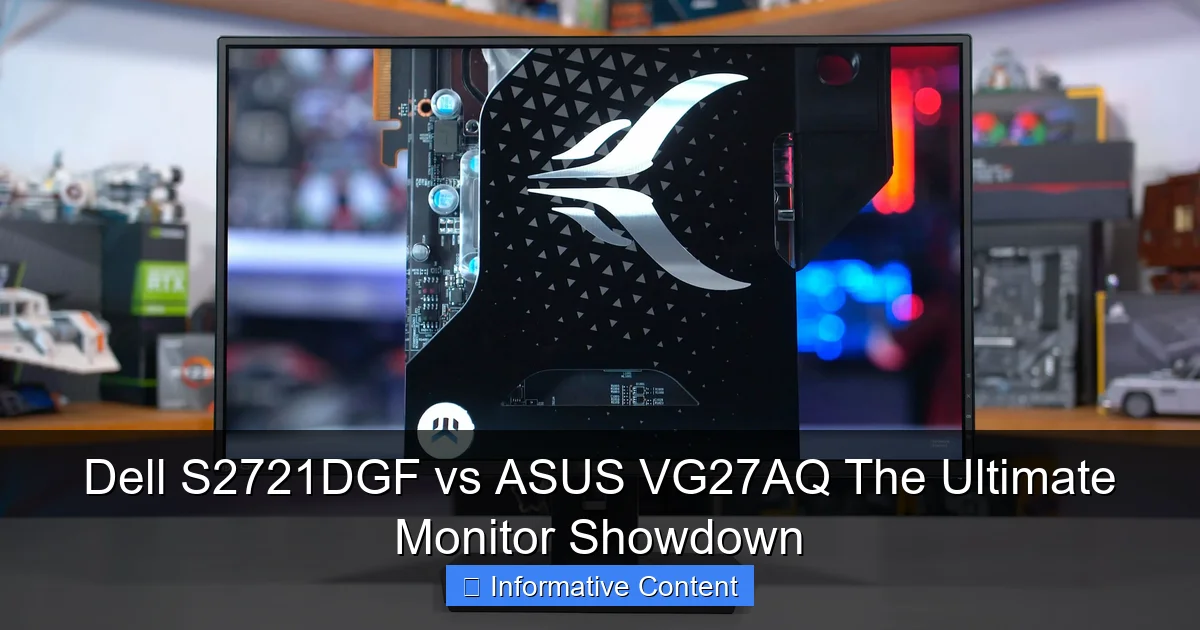
Visual guide about Dell S2721DGF vs ASUS VG27AQ The Ultimate Monitor Showdown
Image source: techspot.com
A monitor isn’t just about what’s inside; its design and ergonomics play a significant role in your overall user experience, especially if you spend hours in front of the screen. In the Dell S2721DGF vs ASUS VG27AQ comparison, both offer robust stands and thoughtful designs, but with different aesthetics.
Aesthetics and Build Quality
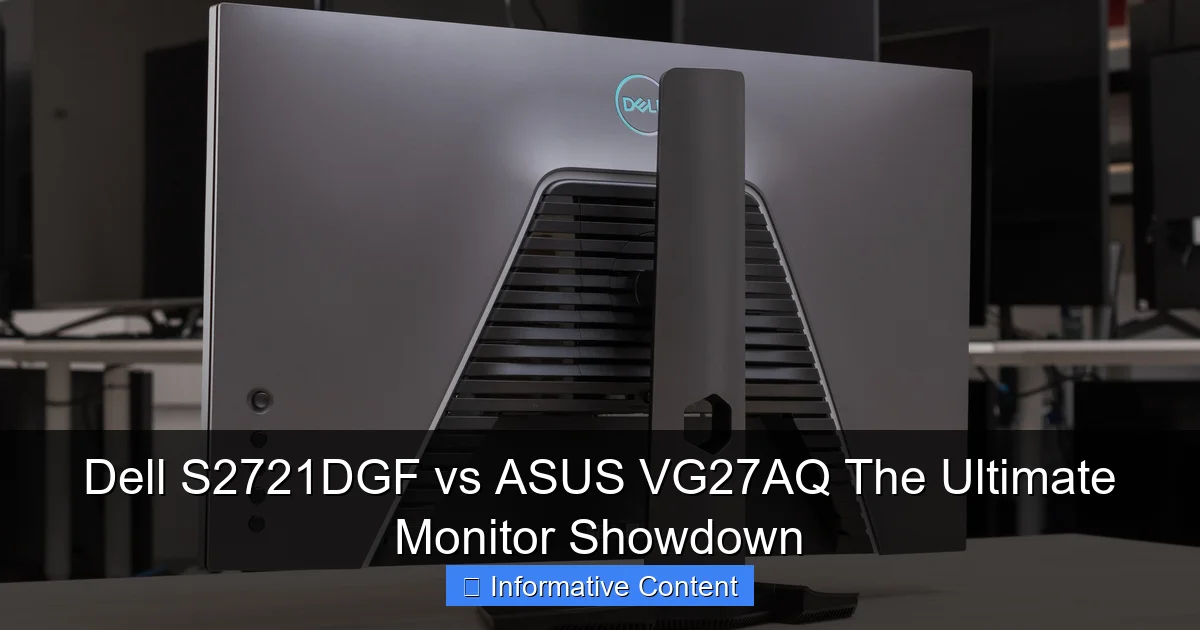
The Dell S2721DGF typically features a more understated, professional look. Its dark gray finish, slim bezels, and subtle branding make it suitable for almost any desk setup, whether it’s a gaming den or a home office. Dell is known for its excellent build quality, and the S2721DGF is no exception, feeling solid and well-constructed.
The ASUS VG27AQ embraces a more “gamer” aesthetic. It has sharper angles, a distinctive triangular stand base, and sometimes red accents. While not overly aggressive, it clearly signals its intent as a gaming peripheral. ASUS also has a strong reputation for build quality, and the VG27AQ feels durable. Your preference here will largely come down to personal taste and whether you prefer a subtle or a more aggressive gaming design.
Ergonomic Adjustments
Both monitors excel in ergonomics, offering highly versatile stands. This is crucial for maintaining good posture and reducing strain during long sessions. You can expect:
- Height Adjustment: Raise or lower the screen to eye level.
- Tilt: Angle the screen up or down.
- Swivel: Rotate the screen left or right on its base.
- Pivot: Rotate the screen 90 degrees into portrait mode.
These adjustments are standard for premium gaming monitors, and both the Dell S2721DGF and ASUS VG27AQ deliver here. The ability to pivot is especially useful for coding, browsing long documents, or specific streaming setups.
Picture Quality and Color Accuracy: A Feast for Your Eyes
Visual guide about Dell S2721DGF vs ASUS VG27AQ The Ultimate Monitor Showdown
Image source: i.rtings.com
Beyond raw speed, how good do things actually look on the screen? Picture quality and color accuracy are paramount for immersive gaming, vibrant content consumption, and precise creative work. Both the Dell S2721DGF and ASUS VG27AQ, with their IPS panels, generally offer a very good visual experience.
Color Gamut and Accuracy
IPS panels are celebrated for their color reproduction, and these two monitors live up to that reputation. Both generally cover a wide sRGB gamut (around 99%) and also offer good coverage of the DCI-P3 color space (often around 95% for Dell, and similar for ASUS). DCI-P3 is a wider gamut, important for HDR content and modern game development.
Out of the box, the Dell S2721DGF is often praised for its factory calibration, leading to excellent color accuracy with minimal need for user adjustment. While the ASUS VG27AQ is also good, some users might find it benefits slightly more from calibration to reach its full potential. For most users, both will deliver vibrant, accurate colors right out of the box, making your games and movies look fantastic.
Brightness and Contrast
Both monitors typically offer peak brightness levels around 350-400 nits, which is bright enough for most indoor environments, even with some ambient light. Neither monitor is a true HDR display in the sense of having local dimming zones or extremely high peak brightness (like 1000 nits), but they can accept and display HDR signals (HDR10). They will enhance the dynamic range to some extent, but don’t expect a breathtaking HDR experience akin to high-end TVs or more expensive professional HDR monitors.
Contrast ratios for IPS panels are typically around 1000:1. Both the Dell S2721DGF and ASUS VG27AQ fall within this range, providing decent contrast for an IPS panel. Blacks won’t be as deep as on a VA panel, but the trade-off is superior viewing angles and color consistency.
Gaming Performance: Where the Rubber Meets the Road

Visual guide about Dell S2721DGF vs ASUS VG27AQ The Ultimate Monitor Showdown
Image source: dlcdnimgs.asus.com
This is where the Dell S2721DGF vs ASUS VG27AQ debate truly heats up. While both are excellent gaming monitors, subtle differences can make one a better fit for certain types of gamers.
Refresh Rate and Input Lag
As mentioned, the Dell S2721DGF’s 165Hz refresh rate offers a marginal speed advantage over the ASUS VG27AQ’s 144Hz. In practical terms, this difference is often imperceptible to all but the most sensitive competitive gamers. If you are playing esports titles professionally, every frame counts, but for the vast majority of players, 144Hz is already incredibly smooth.
Both monitors exhibit very low input lag, which is crucial for responsive gaming. Input lag measures the delay between your input (mouse click, keyboard press) and the action appearing on screen. Both Dell and ASUS have optimized these monitors for minimal latency, ensuring your commands are registered almost instantly.
Response Time and Overdrive
The 1ms MPRT rating is good, but the real test lies in how well the GtG response times are managed. IPS panels can sometimes suffer from “ghosting” or “overshoot” (inverse ghosting) if the overdrive settings are too aggressive or not tuned properly.
The Dell S2721DGF is generally praised for its excellent overdrive tuning, often showing very little overshoot even at its fastest settings. This means clean motion without noticeable artifacts. The ASUS VG27AQ also performs well, especially with its “Trace Free” setting properly adjusted. However, some reviews suggest that at lower frame rates (when adaptive sync is active), the ASUS might show slightly more overshoot than the Dell. This is a subtle difference, but for those who are very sensitive to motion artifacts, the Dell might have a slight edge.
Adaptive Sync Performance
Both monitors are G-Sync Compatible and support FreeSync. This means you can enjoy tear-free gaming regardless of whether you have an NVIDIA or AMD graphics card. The Dell’s FreeSync Premium Pro certification, as discussed, adds LFC and some HDR benefits for AMD users, which is a nice bonus. In real-world use, both deliver smooth, fluid gameplay without tearing, a massive improvement over fixed-refresh displays. For those playing competitive games, the peace of mind that comes with knowing your frames are perfectly synced is invaluable.
Connectivity and Other Features: Plugging In and Powering Up
Beyond the display itself, the ports and additional features offered by a monitor can greatly enhance its utility and convenience. In our Dell S2721DGF vs ASUS VG27AQ comparison, both provide a solid set of options.
Ports and Connectivity
Typically, both monitors will offer:
- 2 x HDMI 2.0 ports
- 1 x DisplayPort 1.4 port
- Audio Line-out (for connecting external speakers or headphones)
The Dell S2721DGF usually stands out with a more robust USB hub, often including 4 x USB 3.0 downstream ports and 1 x USB 3.0 upstream port. This can be incredibly handy for connecting peripherals like a keyboard, mouse, or webcam directly to your monitor, reducing cable clutter on your desk. The ASUS VG27AQ also has a USB hub, but it might be less extensive (e.g., 2 x USB 3.0 downstream ports). For some users, this difference in the USB hub can be a deciding factor for desk organization and connectivity.
On-Screen Display (OSD) and Navigation
Both monitors feature intuitive OSDs, allowing you to adjust picture settings, gaming features, and input sources. Dell typically uses a joystick and a few buttons, which are generally very easy and quick to navigate. ASUS also uses a joystick (often called a “Navi-Key”) and several dedicated buttons. Both systems are user-friendly, allowing you to tweak settings without much fuss.
Extra Features
- Dell S2721DGF: Dell’s ComfortView technology helps reduce blue light emissions for eye comfort during long sessions. Its OSD is clean and straightforward.
- ASUS VG27AQ: ASUS includes its GamePlus suite, which offers on-screen crosshairs, a timer, and an FPS counter. These can be useful for certain gaming scenarios, especially in titles that don’t provide these natively. It also has GameVisual modes, offering optimized picture settings for various game genres.
Both monitors also include basic built-in speakers. While they are usually adequate for system sounds or casual YouTube videos, for any serious audio experience, you will definitely want to use headphones or external speakers. This is a commonality across most gaming monitors.
Conclusion: The Ultimate Monitor Showdown Verdict
So, after a thorough examination of the Dell S2721DGF vs ASUS VG27AQ, which monitor emerges as the ultimate winner? The truth is, both are exceptional 27-inch 1440p IPS gaming monitors, and the “winner” largely depends on your specific priorities and budget.
The **Dell S2721DGF** often presents itself as the slightly more refined option. Its 165Hz refresh rate provides a marginal speed advantage, its overdrive tuning is generally superior leading to cleaner motion, and its FreeSync Premium Pro certification offers a bit more capability. The Dell’s understated design and robust USB hub also make it an excellent choice for those who want a high-performance monitor that looks professional and integrates well into a multi-purpose setup. If you prioritize every last bit of performance, a cleaner aesthetic, and slightly better connectivity, the Dell might be your top pick.
On the other hand, the **ASUS VG27AQ** is an incredibly strong contender, often available at a slightly more attractive price point. Its 144Hz refresh rate is still fantastic for gaming, its picture quality is vibrant, and its ergonomic stand ensures comfort. The ASUS GamePlus features are a nice bonus for dedicated gamers. If you’re looking for excellent gaming performance and picture quality without stretching your budget as much, and you don’t mind a more “gamer” aesthetic, the ASUS VG27AQ offers tremendous value.
In summary, for the absolute best motion clarity and a slightly higher refresh rate, combined with a premium, understated design and a more comprehensive USB hub, the Dell S2721DGF likely holds a slight edge. However, for sheer value and a fantastic gaming experience that’s almost on par with the Dell, the ASUS VG27AQ is an outstanding choice that you won’t regret. You can’t go wrong with either of these monitors; it truly comes down to those fine details and what matters most to your unique setup and usage habits. Happy gaming, and enjoy your new monitor!
Frequently Asked Questions
Are these monitors suitable for console gaming (PS5/Xbox Series X)?
Yes, both the Dell S2721DGF and ASUS VG27AQ are excellent choices for console gaming. They support 1440p resolution at 120Hz via HDMI 2.0, providing a smooth and crisp experience that takes full advantage of the latest generation consoles.
Do these monitors support HDR?
Both monitors support HDR10 signals, meaning they can process and display HDR content. However, they lack true HDR capabilities like local dimming zones or extremely high peak brightness, so the HDR effect will be modest compared to high-end HDR displays.
Which monitor has better black uniformity?
Black uniformity can vary slightly between individual units of any IPS panel monitor. Generally, both the Dell S2721DGF and ASUS VG27AQ offer decent black uniformity for IPS panels, but some backlight bleed might be present in darker scenes, which is typical for this panel technology.
Is the USB hub on the Dell S2721DGF a significant advantage?
For users who want to connect multiple peripherals directly to their monitor (like a keyboard, mouse, or webcam) and reduce cable clutter to their PC, the Dell S2721DGF’s more extensive USB 3.0 hub can be a very significant convenience and advantage.
Can these monitors be mounted on a VESA arm?
Absolutely, both the Dell S2721DGF and ASUS VG27AQ are VESA mount compatible (typically 100x100mm). This means you can easily remove them from their included stands and mount them on a monitor arm or wall mount for greater flexibility and desk space.
What is “overshoot” and why is Dell better at handling it?
Overshoot (or inverse ghosting) occurs when pixels change color too quickly, causing a faint trail or halo behind moving objects. Dell’s overdrive tuning on the S2721DGF is often optimized to minimize this artifact, providing cleaner motion even at varied frame rates, which is crucial for a crisp gaming experience.