165Hz vs 360Hz Gaming Monitor – Which Refresh Rate Wins
Choosing between a 165Hz and a 360Hz gaming monitor is a crucial decision for serious gamers. While 165Hz offers a fantastic balance of performance and affordability for most players across various genres, the extreme responsiveness of 360Hz is a game-changer primarily for professional esports athletes and highly competitive FPS players seeking every micro-advantage. Your budget, game types, and competitive aspirations will ultimately dictate which refresh rate provides the better value and experience.
Hey there, fellow gamers! Are you on the hunt for a new monitor that will give you the edge in your favorite titles? If you’ve been doing your research, you’ve probably stumbled upon terms like “refresh rate” and numbers like 165Hz and 360Hz. It can feel a bit like decoding an ancient language, right?
Choosing the right gaming monitor is super important. It’s not just about seeing pretty pictures; it’s about how smoothly your game runs, how quickly you react, and ultimately, how much fun you’re having. Today, we’re diving deep into the world of high refresh rates, specifically pitting the popular 165Hz vs 360Hz gaming monitor options against each other. We’re going to explore what each offers, who they’re for, and help you figure out which refresh rate truly wins for *your* gaming setup and playstyle.
So, buckle up! By the end of this article, you’ll have a clear understanding of whether a 165Hz monitor is your perfect companion or if it’s time to go all out with a bleeding-edge 360Hz beast. Let’s break down the technical jargon and make this decision easy for you.
Key Takeaways
- 165Hz is the Sweet Spot: For the vast majority of gamers, a 165Hz monitor provides a superb balance of smooth gameplay, responsiveness, and affordability, enhancing the experience across nearly all game genres.
- 360Hz Targets Elite Performance: The extreme speed of 360Hz is primarily beneficial for professional esports players and highly competitive FPS gamers where every millisecond can mean the difference between winning and losing.
- Significant Cost Difference: 360Hz monitors command a premium price tag, making 165Hz a much more budget-friendly option for comparable quality otherwise.
- Higher Hardware Demands: To fully utilize a 360Hz monitor, you’ll need a top-tier CPU and GPU capable of consistently pushing extremely high frame rates (300+ FPS) in your preferred games. 165Hz is more forgiving.
- Diminishing Returns on Perception: While the jump from 60Hz to 165Hz is dramatic, the visual and experiential difference between 165Hz and 360Hz is much less pronounced for the average human eye.
- Consider More Than Just Hz: Other factors like response time, panel type, resolution, and adaptive sync technology (G-Sync/FreeSync) are equally important when choosing a gaming monitor.
- Your Games Matter: Fast-paced competitive shooters benefit most from 360Hz, while strategy games, RPGs, or single-player cinematic titles gain less from such high refresh rates.
Quick Answers to Common Questions
Is 360Hz overkill for casual gaming?
Yes, for most casual gamers, 360Hz is definitely overkill. The benefits are primarily felt by professional esports players, and the average player won’t notice a significant difference over 165Hz that justifies the higher cost and hardware demands.
Do I need a powerful GPU for 360Hz?
Absolutely. To fully utilize a 360Hz monitor, you need a top-tier CPU and GPU capable of consistently outputting 300+ frames per second (FPS) in the games you play. Without high frame rates, the monitor’s refresh rate cannot be fully exploited.
Can I really tell the difference between 165Hz and 360Hz?
The difference between 165Hz and 360Hz is much more subtle than the jump from 60Hz to 165Hz. While an objective difference exists in motion clarity and input lag, many casual to enthusiast gamers find it hard to consciously perceive a significant improvement. Elite players might notice it as a “feel” rather than a dramatic visual change.
Does refresh rate affect input lag?
Yes, a higher refresh rate generally contributes to lower input lag. Since the monitor displays new frames more frequently, the time between your input (e.g., mouse click) and the action appearing on screen is reduced, making the game feel more responsive.
What resolution is best for 360Hz?
Currently, 1080p (Full HD) is the most common and practical resolution for 360Hz monitors. This is because higher resolutions like 1440p or 4K require significantly more GPU power, making it extremely difficult (and often impossible) to consistently achieve frame rates high enough to fully utilize a 360Hz refresh rate.
📑 Table of Contents
Understanding Refresh Rates: The Foundation of Fluidity
Before we jump into the 165Hz vs 360Hz gaming monitor debate, let’s quickly cover what “refresh rate” actually means. Think of it like this: your monitor is constantly drawing new images on the screen. The refresh rate, measured in Hertz (Hz), tells you how many times per second your monitor can redraw that image.
What is Refresh Rate, Really?
Imagine a flipbook animation. The more pages you have in a short sequence, the smoother the animation looks. A monitor’s refresh rate works in a similar way. A 60Hz monitor can display 60 new images per second. A 165Hz monitor can display 165 new images per second. And a 360Hz monitor? You guessed it – 360 new images per second!
Why Higher is (Generally) Better for Gaming
For gamers, a higher refresh rate offers several key benefits:
- Smoother Motion: Everything on screen looks more fluid, from your character running to enemies darting across the map. This makes tracking targets much easier.
- Reduced Motion Blur: Objects in motion appear clearer and less blurry, which is a huge advantage in fast-paced games.
- Lower Input Lag: While refresh rate isn’t the only factor, a higher refresh rate often means that the time between your action (like a mouse click) and seeing it on screen is reduced. This makes your game feel more responsive.
The jump from a standard 60Hz monitor to something like 144Hz or 165Hz is incredibly noticeable and often considered a game-changer. The question we’re answering today is: how much more benefit do you get when you push that even further to 360Hz, and is it worth the investment?
The 165Hz Sweet Spot: Performance for the Masses
Let’s start with the refresh rate that has become a go-to for many serious gamers: 165Hz. Monitors with this refresh rate hit a fantastic balance of performance, visual quality, and price. When considering a 165Hz vs 360Hz gaming monitor, 165Hz often comes out as the most practical choice for a broad audience.
Visual guide about 165Hz vs 360Hz Gaming Monitor Which Refresh Rate Wins
Image source: cdn.shopify.com
Smoothness and Responsiveness You Can Feel
Upgrading from a 60Hz or even 75Hz monitor to a 165Hz display is a revelation. The game world suddenly feels alive, incredibly fluid, and responsive. You’ll notice enemy movements are easier to track, your aiming feels snappier, and overall, the visual experience is vastly improved. For most gamers, this level of smoothness is more than enough to feel highly competitive and immersed.
Affordability and Accessibility
One of the biggest advantages of 165Hz monitors is their price point. They are much more affordable than their 360Hz counterparts, allowing you to get a high-performance monitor without breaking the bank. This also means you can often find 165Hz monitors with higher resolutions (like 1440p) or better panel types (like IPS for vibrant colors) within a reasonable budget, giving you a more well-rounded visual experience.
Ideal Game Genres for 165Hz
A 165Hz refresh rate shines across a huge variety of games:
- First-Person Shooters (FPS): Games like Apex Legends, Valorant, Overwatch 2, or Call of Duty feel incredibly smooth and responsive. You’ll have a competitive edge over players on lower refresh rate monitors.
- Action-Adventure Games: Titles like Assassin’s Creed, Cyberpunk 2077, or God of War truly come to life with the added fluidity.
- Racing Games: Experience the thrill of speed with buttery-smooth visuals.
- MOBAs and Strategy Games: While perhaps less critical than in FPS games, the enhanced fluidity still makes scrolling and tracking units feel better.
Hardware Demands for 165Hz
To get the most out of a 165Hz monitor, your PC needs to be able to consistently push frames at or above 165 FPS in your chosen games. This usually requires a decent mid-to-high-end CPU and GPU. However, it’s generally much easier and less expensive to achieve 165 FPS than it is to hit 360 FPS, making it a more accessible target for many gaming rigs.
Entering the Ultra-Competitive Zone: The 360Hz Advantage
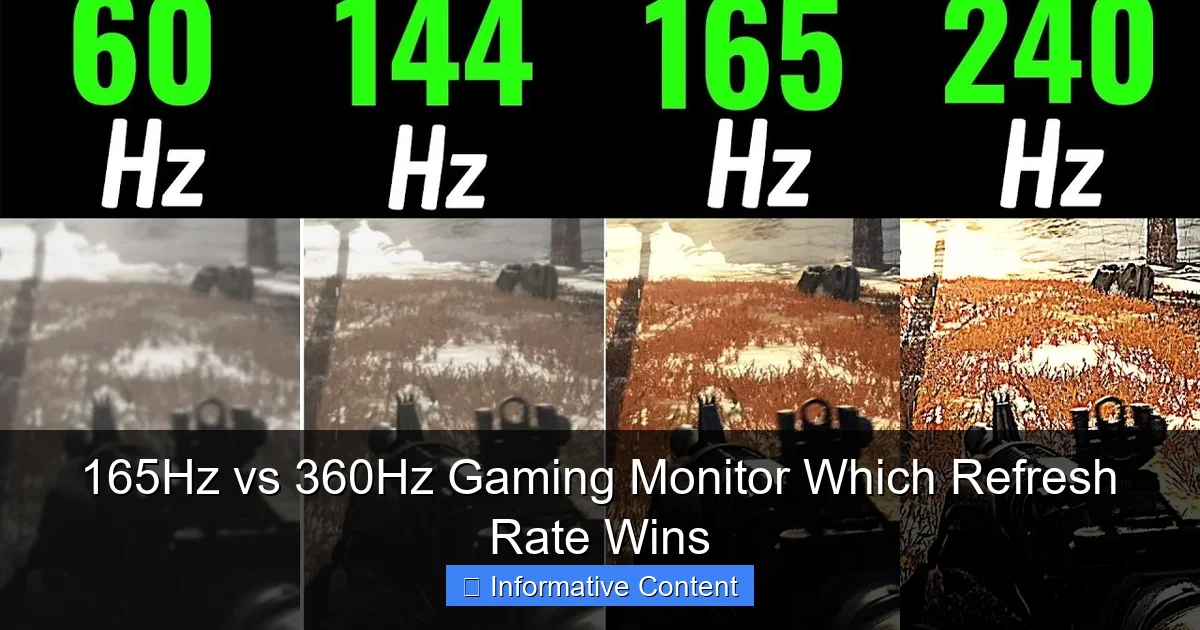
Now, let’s talk about the big guns: 360Hz gaming monitors. These are designed for a very specific, elite tier of gamers. When we talk about 165Hz vs 360Hz gaming monitor, the 360Hz option truly represents the pinnacle of speed and responsiveness available today.
Visual guide about 165Hz vs 360Hz Gaming Monitor Which Refresh Rate Wins
Image source: i.ytimg.com
Unmatched Speed and Clarity
The primary benefit of a 360Hz monitor is its incredible speed. With 360 frames per second, the visual input you receive is as close to real-time as possible. Motion blur is virtually eliminated, and images appear unbelievably sharp even during rapid movements. This level of clarity allows professional players to track the smallest details and react with split-second precision.
The Esports Edge: Every Millisecond Counts
This is where 360Hz truly justifies its existence. For professional esports athletes, particularly in fast-paced competitive shooters like CS:GO, Valorant, or Overwatch, every single millisecond matters. The minuscule reduction in input lag and the enhanced clarity can provide a fractional advantage that translates into winning or losing a critical duel. In a game played at the highest level, these tiny advantages accumulate.
If you’re an aspiring pro or already competing at a very high rank, a 360Hz monitor might be considered an “investment” in your competitive performance, similar to how a race car driver invests in the best tires.
Perceptual Differences: Is it Noticeable?
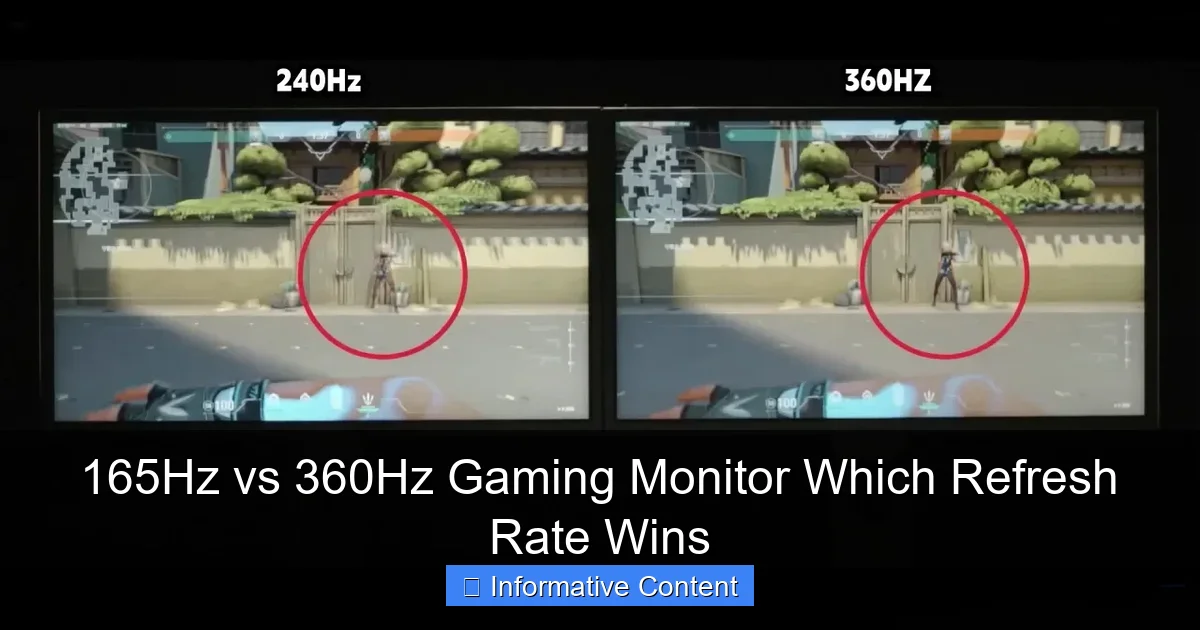
Here’s the honest truth: the difference between 165Hz and 360Hz is far less dramatic than the jump from 60Hz to 165Hz. For the average human eye, beyond a certain point (often cited around 144Hz-240Hz), the improvements become much harder to perceive consciously. While a 360Hz monitor *is* objectively faster, whether *you* can truly feel or see that difference enough for it to matter is highly subjective.
Many professional players and monitor reviewers agree that while the difference is there, it’s subtle. It’s not a night-and-day transformation for most people. It’s more about “feel” and the absolute peak performance for those who dedicate thousands of hours to competitive play.
Hardware Requirements: Prepare for Power
To consistently hit 360 FPS in modern competitive games, you need a seriously powerful gaming rig. We’re talking about top-of-the-line CPUs (like Intel i7/i9 or AMD Ryzen 7/9) and the latest, most powerful GPUs (like an NVIDIA RTX 4080/4090 or AMD RX 7900 XT/XTX). If your PC can’t push frames consistently above 300 FPS, you simply won’t be fully utilizing the 360Hz monitor, making it a wasted investment.
Cost Considerations: The Premium Price Tag
Naturally, cutting-edge technology comes with a cutting-edge price. 360Hz monitors are significantly more expensive than their 165Hz counterparts, often costing twice as much or more. This premium price is usually for 1080p resolution, too. If you’re on a budget, the value proposition of a 165Hz monitor is undeniable when comparing 165Hz vs 360Hz gaming monitor options.
Beyond Refresh Rate: Other Critical Monitor Features
While refresh rate is a huge factor, it’s not the only one. When you’re choosing a gaming monitor, especially in a 165Hz vs 360Hz gaming monitor comparison, you also need to consider these features:
Visual guide about 165Hz vs 360Hz Gaming Monitor Which Refresh Rate Wins
Image source: bestpcmonitor.com
Response Time (GtG)
Response time, usually measured in milliseconds (ms) GtG (Gray-to-Gray), indicates how quickly a pixel can change from one color to another. A low response time (1ms GtG is ideal for gaming) is crucial to prevent ghosting or smearing behind fast-moving objects. Even a 360Hz monitor with a high response time will look blurry.
Panel Type (IPS, VA, TN)
- IPS (In-Plane Switching): Offers excellent color accuracy and wide viewing angles, making them great for general use, content creation, and visually rich games. Response times have improved significantly.
- VA (Vertical Alignment): Known for high contrast ratios and deep blacks, offering a more immersive experience, especially in darker games. Can have slower response times and some ghosting.
- TN (Twisted Nematic): Traditionally the fastest response times, making them popular for competitive gaming. However, they suffer from poor color accuracy and narrow viewing angles.
Resolution (1080p, 1440p, 4K)
Higher resolution means more pixels and a sharper image. While 1080p is common for 360Hz monitors to maximize frame rates, 1440p (2K) offers a beautiful balance of detail and performance for 165Hz, and 4K (2160p) provides stunning visuals but requires extreme hardware and typically caps out at lower refresh rates like 144Hz or 240Hz.
Adaptive Sync (G-Sync, FreeSync)
Adaptive Sync technologies like NVIDIA’s G-Sync and AMD’s FreeSync are essential. They synchronize your monitor’s refresh rate with your GPU’s frame rate. This eliminates screen tearing (when parts of different frames appear on screen at once) and reduces stuttering, providing a much smoother gaming experience, especially when your frame rate fluctuates.
Who Should Choose Which Refresh Rate?
Let’s boil it down to practical recommendations for the 165Hz vs 360Hz gaming monitor decision.
For the Casual to Enthusiast Gamer
Go for 165Hz. This is your sweet spot. You’ll get incredibly smooth gameplay, a significant competitive edge over 60Hz users, and a much better overall visual experience for all types of games. It’s more affordable, your current PC is more likely to handle it, and you can often get higher resolutions or better panel types for the same price as a basic 360Hz model.
Practical Example: You play a mix of Valorant, Cyberpunk 2077, and some Forza Horizon. A 165Hz 1440p IPS monitor will make all these games look and feel amazing without demanding a top-tier GPU to hit max frames in all of them.
For the Aspiring Esports Pro or Hardcore Competitive Player
Consider 360Hz, but only if…
- You exclusively play fast-paced competitive FPS games.
- You have a top-tier PC that can consistently push 300+ FPS in those games.
- You are looking for every single fractional advantage possible and are willing to pay a premium for it.
- You are already playing at a very high skill level where tiny gains are perceivable and meaningful.
Practical Example: You are a Global Elite in CS:GO or Radiant in Valorant, participating in tournaments, and your setup is already optimized for maximum performance. A 360Hz 1080p TN/Fast IPS monitor might give you that final edge.
For the Budget-Conscious Gamer
Definitely 165Hz. The price difference is substantial, and the performance gains of 360Hz are simply not worth the extra cost if you’re trying to optimize your spending. You can often get a fantastic 165Hz monitor and put the money saved towards a better GPU or other peripherals.
For Content Creators & Streamers
165Hz is generally preferred. While a smoother game experience is always good, for content creation, color accuracy, resolution, and overall visual quality often take precedence over extreme refresh rates. A 165Hz 1440p or even 4K IPS monitor would provide a much better balance for both gaming and professional work.
Making Your Decision: A Practical Guide
Making the final choice between a 165Hz vs 360Hz gaming monitor doesn’t have to be overwhelming. Here’s a quick checklist to help you decide:
Assess Your Hardware
Can your current PC (or the one you plan to build) reliably output 165 FPS or 360 FPS in your favorite games? Use benchmarks or in-game FPS counters to check. If you can’t hit those frame rates, a higher refresh rate monitor won’t do much good.
Consider Your Game Library
Are you playing mostly competitive FPS titles, or a mix of genres? The more varied your gaming tastes, the more appealing a versatile 165Hz monitor becomes.
Set Your Budget
How much are you willing to spend? Remember to factor in not just the monitor’s cost but also any potential PC upgrade costs needed to drive it effectively.
Try Before You Buy (If Possible)
If you have a friend with a 360Hz monitor or can find a display model in a store, try it out! Seeing the difference (or lack thereof) with your own eyes is invaluable.
So, which refresh rate wins in the 165Hz vs 360Hz gaming monitor showdown? The truth is, there’s no single “winner” for everyone. The 165Hz gaming monitor is the undisputed champion for the vast majority of gamers, offering an exceptional experience that balances performance with practicality. The 360Hz gaming monitor is a niche, top-tier product for a select group of professional players who demand the absolute maximum speed and are willing to pay for it.
Ultimately, your personal gaming style, competitive aspirations, and budget should be the guiding stars in your decision. Happy gaming, whatever you choose!
Frequently Asked Questions
What’s the main benefit of a higher refresh rate?
The main benefit of a higher refresh rate is smoother motion and reduced motion blur in games. This makes fast-paced action clearer, objects easier to track, and can contribute to a more responsive and immersive gaming experience, especially in competitive titles.
Will a 360Hz monitor make me a better gamer?
While a 360Hz monitor provides the absolute fastest visual feedback and lowest input lag currently available, it won’t magically make you a better gamer on its own. It provides a tool for improvement for highly skilled players, but fundamental skills, practice, and game sense are far more important factors in overall performance.
Is 165Hz enough for competitive gaming?
Yes, for the vast majority of competitive gamers, 165Hz is more than enough. It offers a significant competitive advantage over 60Hz and provides excellent smoothness and responsiveness that allows players to perform at a very high level across many different esports titles.
How do I check my current monitor’s refresh rate?
On Windows, right-click on your desktop, select “Display settings,” scroll down and click “Advanced display settings.” From there, choose your monitor and click “Display adapter properties for Display 1” (or your specific monitor). In the new window, go to the “Monitor” tab, and you’ll see a “Screen refresh rate” dropdown menu.
What is adaptive sync and how does it relate to refresh rate?
Adaptive Sync technologies like NVIDIA G-Sync and AMD FreeSync synchronize your monitor’s refresh rate with your graphics card’s frame rate. This eliminates screen tearing and reduces stuttering, providing a much smoother visual experience, especially when your frame rate fluctuates below your monitor’s maximum refresh rate.
Should I prioritize refresh rate over resolution?
For competitive gaming, prioritizing refresh rate (and low response time) over resolution is generally recommended for maximum performance. For single-player, visually stunning games, or content creation, a balance or even a prioritization of higher resolution for sharper images might be preferred. It largely depends on your primary use case.