144Hz vs 360Hz Gaming Monitor – Which One Truly Wins
Choosing between a 144Hz vs 360Hz gaming monitor hinges on your priorities. While 144Hz offers an excellent, widely accessible upgrade for most gamers, providing significant smoothness and responsiveness, 360Hz delivers an ultra-competitive edge for professional esports players who demand every possible millisecond advantage. Your ideal choice depends on your game genres, PC hardware, and budget.
Navigating the world of gaming monitors can feel like an Olympic sport itself. With new technologies and ever-increasing specifications, it’s easy to get lost in the jargon. One of the hottest debates among gamers, especially those looking for a competitive edge, revolves around refresh rates. We’ve moved beyond the standard 60Hz, and now the battle lines are drawn between high refresh rates like 144Hz and ultra-high refresh rates like 360Hz.
You’re probably here because you’re wondering: what’s the real difference between a 144Hz vs 360Hz gaming monitor? Does paying extra for 360Hz truly give you a significant advantage, or is 144Hz still the undisputed champion for the everyday gamer? This guide is designed to cut through the marketing hype and give you a clear, comprehensive breakdown, helping you decide which monitor truly wins for *your* specific gaming needs.
We’ll dive deep into what refresh rates mean, the practical impact on your gameplay, the hardware you’ll need, and the costs involved. By the end, you’ll have all the information necessary to make an informed decision and invest in the perfect display to elevate your gaming experience.
Key Takeaways
- 144Hz is the sweet spot for most gamers: It offers a massive upgrade over 60Hz, providing significantly smoother visuals and reduced input lag, making it perfect for a wide range of games from single-player epics to casual esports.
- 360Hz is for elite competitive play: The benefits of 360Hz are most noticeable and impactful for professional or aspiring professional esports players in fast-paced FPS titles, where every fraction of a second matters.
- Diminishing returns apply: The jump from 60Hz to 144Hz is revolutionary. The leap from 144Hz to 360Hz is noticeable but far less dramatic for the average eye, offering smaller, incremental gains.
- Hardware requirements are crucial: To truly benefit from a 360Hz monitor, you need a high-end CPU and GPU capable of consistently pushing 300+ frames per second (FPS) in your target games, often at 1080p resolution.
- Cost and value differ significantly: 144Hz monitors are more affordable and offer better overall value for performance per dollar for the vast majority of gamers. 360Hz monitors represent a premium investment for a niche performance advantage.
- Consider other monitor features: Beyond refresh rate, factors like response time (ideally 1ms GTG), panel type (IPS for color, TN for speed), resolution, and adaptive sync (G-Sync/FreeSync) are equally important for a complete gaming experience.
Quick Answers to Common Questions
Is 144Hz good enough for competitive gaming?
Yes, 144Hz is excellent for competitive gaming. It provides a significant advantage over 60Hz, allowing for much smoother visuals and lower input lag, which is more than sufficient for most competitive players outside of the professional esports circuit.
Will I notice the difference between 144Hz and 360Hz?
Many people will notice a difference, especially in fast-paced games or during direct comparisons. However, the jump from 144Hz to 360Hz is far less dramatic and impactful than the jump from 60Hz to 144Hz. It offers diminishing returns.
Do I need a powerful GPU for 360Hz?
Absolutely. To take full advantage of a 360Hz monitor, your GPU (and CPU) must be capable of consistently pushing 300+ frames per second (FPS) in your target games, typically at 1080p resolution. Without high FPS, the 360Hz refresh rate is effectively wasted.
Are 360Hz monitors only 1080p?
Most 360Hz monitors on the market are indeed 1080p. This is because achieving frame rates of 300+ FPS at higher resolutions like 1440p or 4K is extremely difficult, even for the most powerful GPUs available today.
Does 360Hz reduce input lag?
Yes, a higher refresh rate inherently reduces display latency, contributing to lower overall system input lag. When combined with a high frame rate from your PC, 360Hz monitors can offer the absolute lowest input lag possible in current consumer display technology.
📑 Table of Contents
Understanding Refresh Rates: The Core of Gaming Smoothness
Before we pit 144Hz against 360Hz, let’s make sure we’re all on the same page about what “Hz” actually means in the context of a gaming monitor. It’s fundamental to understanding the perceived difference.
What is Refresh Rate? (Hz Explained)
Refresh rate, measured in Hertz (Hz), tells you how many times your monitor can update the image on its screen every second. Think of it like flipping through a stack of pictures. A 60Hz monitor displays 60 new images per second, a 144Hz monitor shows 144 images per second, and a 360Hz monitor blasts out an incredible 360 images per second.
Why does this matter for gaming? More images per second mean a smoother, more fluid visual experience. Imagine moving your mouse in a fast-paced game. On a 60Hz monitor, your cursor might jump noticeably as it updates. On a 144Hz monitor, that movement is far more continuous and less jarring. On a 360Hz monitor, it’s almost impossibly smooth, like liquid. This smoothness translates directly to better responsiveness and a clearer picture of fast-moving objects, which can be critical in competitive titles.
The Human Eye and Motion Perception
A common question that arises is: can the human eye even perceive such high refresh rates? While there’s no single, universally agreed-upon maximum refresh rate for human perception, scientific studies and anecdotal evidence from gamers confirm that the difference between 60Hz and 144Hz is profound and easily discernible by almost everyone. The jump feels like night and day, significantly reducing motion blur and making gameplay feel much more “connected.”
However, the difference between 144Hz and 360Hz is more subtle. While still perceptible, especially in direct side-by-side comparisons or for highly trained competitive eyes, the gains are diminishing. It’s not the same dramatic leap you experience when moving from 60Hz to 144Hz. This concept of diminishing returns is crucial when evaluating a 144Hz vs 360Hz gaming monitor. The average gamer might notice it, but they might not feel it significantly impacts their casual gameplay in a meaningful way.
The 144Hz Experience: The Sweet Spot for Most Gamers
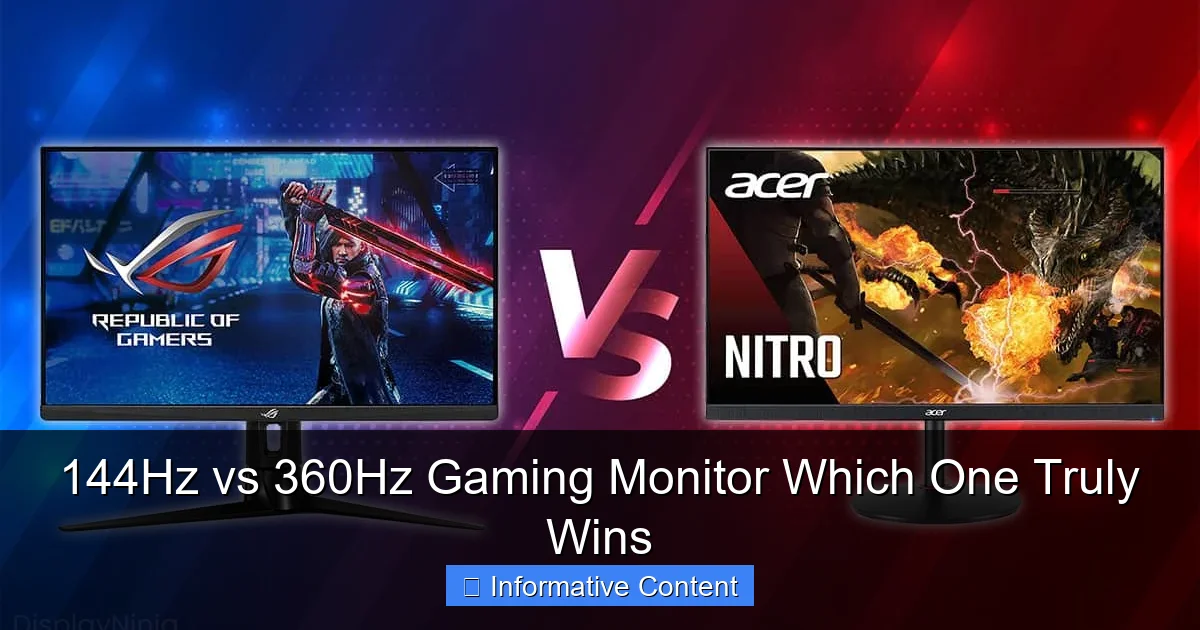
Visual guide about 144Hz vs 360Hz Gaming Monitor Which One Truly Wins
Image source: displayninja.com
For years, 144Hz has been the gold standard for serious gamers. It strikes an excellent balance between performance, affordability, and hardware demands. Let’s explore why it remains such a popular and highly recommended choice.
Performance and Accessibility
The 144Hz refresh rate provides an incredibly responsive and fluid gaming experience that vastly improves upon standard 60Hz monitors. Every action you take, from aiming to character movement, feels immediate and precise. This level of smoothness significantly reduces motion blur, allowing you to track enemies more easily in fast-paced games and simply enjoy a more comfortable viewing experience overall.
What makes 144Hz so accessible is that it doesn’t demand an absolute top-tier PC to run effectively. While you’ll still need a decent graphics card (like an NVIDIA RTX 3060/AMD RX 6600 XT or better) to consistently hit 144 frames per second (FPS) in modern titles, especially at 1080p, these components are far more mainstream and affordable than those required for 360Hz. This means a much wider range of gamers can afford to experience the benefits of high refresh rate gaming.
Ideal Game Genres
A 144Hz gaming monitor is a fantastic choice for virtually every game genre.
- First-Person Shooters (FPS): Games like Call of Duty, Apex Legends, Valorant, and Counter-Strike: Global Offensive benefit immensely. The increased fluidity allows for better tracking of enemies and more precise aim.
- Racing Games: The smooth motion helps you react faster to turns and other cars, creating a more immersive experience.
- Action/Adventure Games: Even single-player cinematic experiences like Cyberpunk 2077 or Assassin’s Creed feel more fluid and enjoyable, reducing screen tearing and stutter, especially when paired with adaptive sync technologies.
- MOBAs and Strategy Games: While not as dependent on raw refresh rate as an FPS, even games like League of Legends or StarCraft II feel snappier and more responsive.
Essentially, if a game benefits from responsiveness and visual clarity, it will shine on a 144Hz monitor.
GPU Requirements and Cost-Effectiveness
To get the most out of a 144Hz monitor, your PC needs to be able to push frames at or close to 144 FPS. For 1080p resolution, this is achievable with mid-to-high range graphics cards from the last few generations. For 1440p at 144Hz, you’ll need a more powerful GPU, but still well within the enthusiast range (e.g., RTX 3070/RX 6700 XT or better).
In terms of cost, 144Hz monitors are remarkably affordable today. You can find excellent 1080p 144Hz IPS monitors for well under $200, and 1440p options starting from around $250-$350. This makes them incredibly cost-effective, offering a substantial performance upgrade for a reasonable investment. When considering a 144Hz vs 360Hz gaming monitor, the 144Hz option delivers exceptional value for money.
The 360Hz Edge: Pushing the Boundaries of Competitive Play
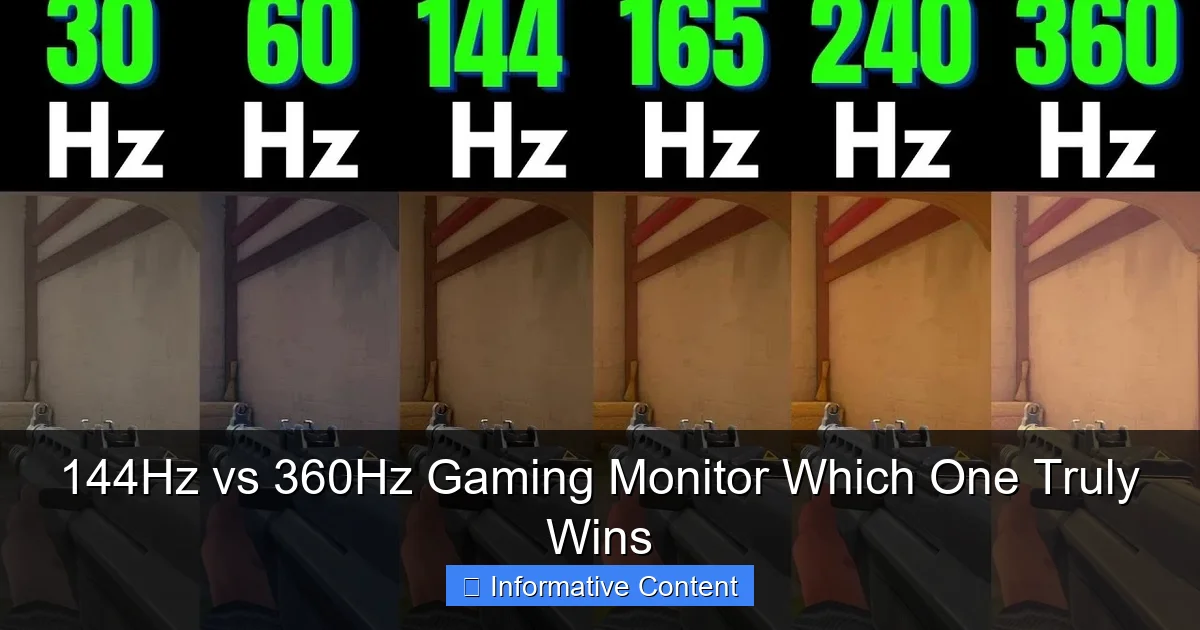
Visual guide about 144Hz vs 360Hz Gaming Monitor Which One Truly Wins
Image source: i.ytimg.com
When we talk about 360Hz, we’re entering a different league altogether. This is the realm of competitive esports where every fraction of a second can mean the difference between victory and defeat.
The Pursuit of Micro-Advantages
At 360Hz, the goal isn’t just “smoothness” anymore; it’s about achieving every possible micro-advantage. The monitor updates the image so quickly that motion blur is virtually eliminated. This results in incredibly crisp and clear moving images, allowing professional players to spot enemies a millisecond sooner, track targets with unparalleled precision, and react with minimal visual delay.
The benefits, though subtle to the casual observer, are real for those operating at the highest level. Reduced system latency, often combined with technologies like NVIDIA Reflex, becomes a critical factor. A 360Hz monitor, when paired with a system capable of hitting those high frame rates, effectively reduces the delay between your input and what you see on screen to an absolute minimum. For an esports pro whose career depends on split-second decisions, this is invaluable.
Target Audience and Game Genres
A 360Hz monitor is not for everyone. Its target audience is very specific:
- Professional Esports Players: If you’re competing at a regional, national, or international level in games like Valorant, CS:GO, Overwatch, or Rainbow Six Siege, then 360Hz can offer that marginal edge.
- Aspiring Pros: Those dedicated to climbing the competitive ladder and investing heavily in their setup might also consider it.
- Hardcore FPS Enthusiasts: Gamers who primarily play competitive FPS titles and prioritize raw performance above all else, often at the expense of resolution or graphical fidelity.
For these users, the primary game genres will almost exclusively be fast-paced, competitive first-person shooters where reaction time and target tracking are paramount. For single-player games, racing simulators, or strategy games, the benefits are negligible compared to 144Hz.
Demanding Hardware and Higher Investment
This is where the rubber meets the road. To truly leverage a 360Hz monitor, your entire PC setup needs to be top-tier. You need a powerful CPU (like an Intel i7/i9 or AMD Ryzen 7/9 latest generation) and a high-end graphics card (NVIDIA RTX 4070/4080/4090 or AMD RX 7800 XT/7900 XT/XTX) to consistently achieve 300+ FPS in competitive titles at 1080p. If your PC can’t consistently push those frames, a 360Hz monitor won’t offer its full potential, essentially making it an expensive 144Hz (or even 240Hz) display.
Cost is another significant factor. 360Hz monitors typically start in the $400-$600 range and can go higher, especially for models with premium features or larger sizes. This represents a substantial investment, not just in the monitor itself, but in the accompanying high-performance PC hardware required to drive it. When comparing a 144Hz vs 360Hz gaming monitor on price alone, 360Hz is clearly the more premium, niche option.
Beyond Refresh Rate: Other Crucial Monitor Features
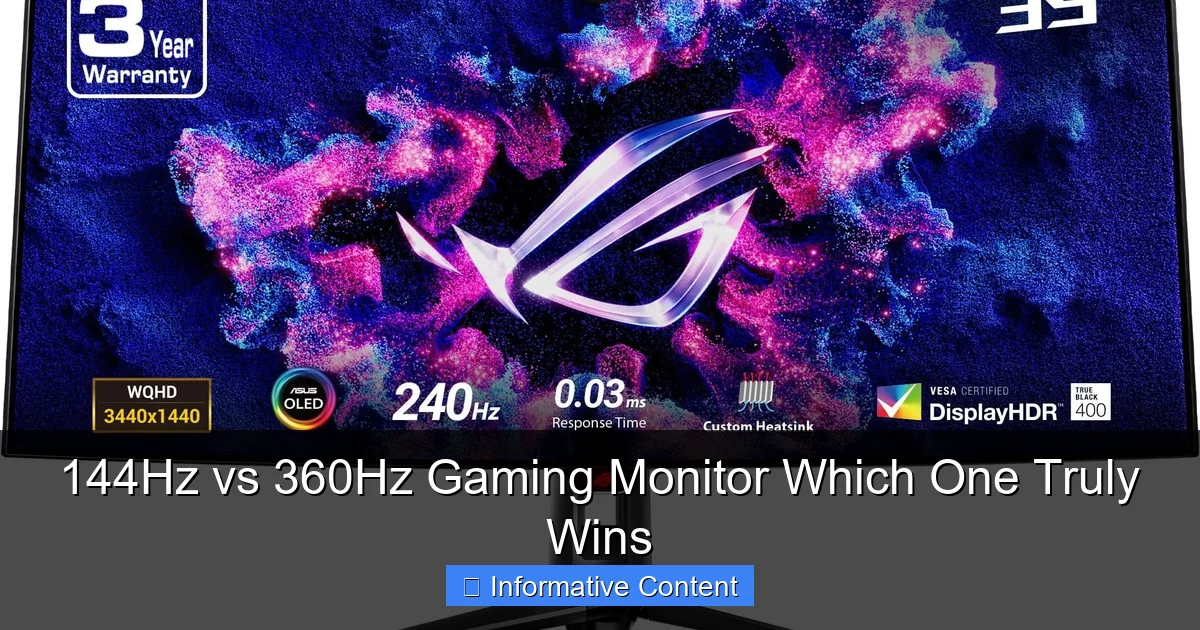
Visual guide about 144Hz vs 360Hz Gaming Monitor Which One Truly Wins
Image source: m.media-amazon.com
While refresh rate is a huge factor, it’s not the only thing that makes a great gaming monitor. Ignoring other specifications when comparing a 144Hz vs 360Hz gaming monitor would be a mistake.
Response Time (GtG, MPRT)
Response time is how quickly a pixel can change from one color to another. Measured in milliseconds (ms), lower is better. A 1ms Gray-to-Gray (GtG) response time is the gold standard for competitive gaming monitors, as it minimizes ghosting and smearing of fast-moving objects. Even if your refresh rate is high, a slow response time can introduce blur, negating some of the smoothness benefits. Look for monitors with 1ms GtG. MPRT (Moving Picture Response Time) is another metric, but GtG is generally more indicative of real-world pixel transition speed.
Panel Type (TN, IPS, VA)
The type of panel technology used significantly impacts image quality and speed:
- TN (Twisted Nematic): Traditionally the fastest (lowest response times), making them popular for esports. However, they suffer from poorer color accuracy and narrow viewing angles.
- IPS (In-Plane Switching): Offers excellent color reproduction and wide viewing angles, making them great for general use, content creation, and immersive gaming. Historically slower, but modern IPS panels can achieve 1ms GtG.
- VA (Vertical Alignment): Known for high contrast ratios and deep blacks, offering a more immersive experience, especially in dark scenes. Their response times can be slower, leading to “ghosting” or “smearing” in fast-moving dark areas, though modern VA panels are improving.
For competitive gamers, a fast IPS or TN panel is usually preferred. For a balanced experience, IPS is often the top pick.
Resolution (1080p, 1440p)
Resolution defines the number of pixels on screen.
- 1080p (Full HD): Still the most common resolution, especially for competitive gaming where maximizing frame rates is key. Easier for GPUs to drive at high FPS.
- 1440p (QHD): Offers a significant visual upgrade over 1080p, providing much sharper images and more screen real estate. It requires a more powerful GPU to maintain high frame rates. Many 144Hz monitors come in 1440p.
- 4K (UHD): While beautiful, 4K at high refresh rates (like 144Hz) is extremely demanding on hardware and virtually impossible to hit 300+ FPS for 360Hz use. It’s more suited for slower-paced, visually stunning games.
Most 360Hz monitors are 1080p, as higher resolutions make it incredibly difficult to achieve the necessary frame rates. For 144Hz, 1080p and 1440p are both popular.
Adaptive Sync (G-Sync, FreeSync)
Adaptive Sync technologies like NVIDIA G-Sync and AMD FreeSync are vital. They synchronize your monitor’s refresh rate with your GPU’s frame rate. This eliminates screen tearing (where the image appears split horizontally) and reduces stuttering, providing a much smoother experience, even if your FPS dips below your monitor’s maximum refresh rate. Ensure your chosen monitor supports either G-Sync (NVIDIA GPUs) or FreeSync (AMD GPUs, often G-Sync compatible).
Making Your Choice: Who Truly Wins for You?
The ultimate “winner” in the 144Hz vs 360Hz gaming monitor debate isn’t universal. It truly depends on your individual needs, preferences, and circumstances. Let’s break down who each monitor type is best for.
The Casual/Enthusiast Gamer
If you’re a gamer who enjoys a variety of titles – from immersive single-player adventures to occasional multiplayer matches with friends – and you’re not striving to go pro, then a 144Hz gaming monitor is undoubtedly the champion for you.
- Massive Upgrade: It offers an incredibly noticeable and impactful upgrade over 60Hz.
- Versatility: Excellent for all game genres, providing smoothness without extreme demands.
- Balanced Cost: More affordable, both for the monitor itself and the PC hardware needed to drive it.
- Optimal Value: Delivers the best performance-to-price ratio for the vast majority of players.
You’ll get an outstanding gaming experience without breaking the bank or needing to rebuild your entire PC. You might even be able to get a 1440p 144Hz monitor for better visual fidelity.
The Aspiring/Pro Esports Player
For those living and breathing competitive esports, where every millisecond counts, the 360Hz gaming monitor can provide a legitimate, albeit incremental, advantage.
- Micro-Edge: Offers the absolute lowest latency and clearest motion for professional-level play.
- Specialized Use: Primarily beneficial in ultra-fast-paced FPS games.
- No Compromise: For players who prioritize raw speed and responsiveness above all else, including resolution or graphical settings.
- Significant Investment: Requires a top-tier PC and a willingness to spend more on the monitor.
If you’re already consistently hitting high ranks, looking to go pro, or just want the absolute pinnacle of competitive performance, and you have the budget and hardware to support it, then 360Hz is your choice. Just be realistic about your current skill level and aspirations.
Budget Considerations
Budget is a huge factor.
- 144Hz: Offers incredible value. You can get excellent monitors at 1080p or even 1440p for a few hundred dollars. This leaves more budget for your GPU, CPU, or other peripherals.
- 360Hz: A premium product with a premium price tag. The monitor itself is more expensive, and the PC required to power it at its full potential adds significantly to the overall cost.
Consider your total budget for your gaming setup, not just the monitor.
Your Current PC Hardware
This cannot be stressed enough: a 360Hz monitor is only as good as the PC driving it. If your graphics card can only push 150-200 FPS in your favorite competitive games, then a 360Hz monitor will largely be wasted. You’d be better off saving money and investing in a 144Hz or 240Hz monitor instead, or upgrading your GPU first. A 144Hz monitor, on the other hand, is much more forgiving with mid-range hardware.
Conclusion
So, which one truly wins in the battle of the 144Hz vs 360Hz gaming monitor? The answer is clear: there isn’t a single winner for everyone.
For the vast majority of gamers, the 144Hz gaming monitor is the undisputed champion. It offers a phenomenal upgrade over 60Hz, providing buttery-smooth gameplay, reduced input lag, and a vastly more enjoyable experience across all game genres. It’s accessible, cost-effective, and doesn’t demand an extreme PC build, making it the smart choice for enthusiasts and casual players alike.
The 360Hz gaming monitor truly wins for a very specific, elite niche: professional esports players and those dedicated to climbing the competitive ladder in fast-paced FPS titles. For these individuals, the marginal gains in clarity and reduced latency can provide a crucial competitive edge. However, it comes with a significantly higher cost and demands an absolute top-tier PC to fully utilize its potential.
Before making your decision, honestly assess your gaming habits, competitive aspirations, current PC hardware, and budget. Don’t fall for the trap of buying the highest number simply because it’s available. Choose the monitor that genuinely enhances *your* specific gaming experience and provides the best value for your investment. Happy gaming!
Frequently Asked Questions
What kind of games benefit most from 360Hz?
Games that benefit most from 360Hz are extremely fast-paced competitive first-person shooters (FPS) like Valorant, Counter-Strike 2, Apex Legends, and Overwatch. In these titles, every millisecond of reaction time and pixel of clarity can impact performance at an elite level.
Can a 144Hz monitor cause screen tearing or stuttering?
A 144Hz monitor itself doesn’t cause tearing or stuttering; these issues arise when your GPU’s frame rate doesn’t synchronize with the monitor’s refresh rate. However, modern 144Hz monitors almost universally include adaptive sync technologies like FreeSync or G-Sync, which effectively eliminate tearing and stuttering for a smooth experience.
Is it worth upgrading from 144Hz to 360Hz for an average gamer?
For the average gamer, upgrading from 144Hz to 360Hz is generally not worth the significant extra cost. The performance gains are incremental and most noticeable for highly competitive or professional players, and the demanding hardware requirements mean a substantial overall investment for minimal real-world benefit in casual play.
What other factors should I consider besides refresh rate when buying a gaming monitor?
Beyond refresh rate, crucial factors include response time (aim for 1ms GtG for gaming), panel type (IPS for color, TN for speed, VA for contrast), resolution (1080p for high FPS, 1440p for visual fidelity), and adaptive sync technology (G-Sync/FreeSync) to prevent tearing.
Will my current PC hardware support a 360Hz monitor?
To fully utilize a 360Hz monitor, you need a high-end, modern PC with a powerful CPU (e.g., Intel i7/i9 12th gen or newer, AMD Ryzen 7/9 5000 series or newer) and a top-tier GPU (e.g., NVIDIA RTX 3080/4070 or higher, AMD RX 6800 XT/7800 XT or higher). Without this, your PC won’t consistently produce enough frames to benefit from such a high refresh rate.
Are 144Hz monitors good for non-gaming tasks like work or browsing?
Yes, 144Hz monitors are excellent for non-gaming tasks. The increased refresh rate makes everyday computer use, such as scrolling through web pages, navigating menus, and moving your cursor, feel incredibly smooth and fluid, enhancing the overall user experience far beyond a standard 60Hz display.