144Hz vs 180Hz Gaming Monitor – Which Refresh Rate Wins
When choosing between a 144Hz vs 180Hz gaming monitor, the immediate difference in perceived smoothness for most users is often subtle to negligible. While 180Hz offers a marginal theoretical advantage in frame delivery, factors like your GPU’s ability to consistently hit high frame rates, the monitor’s panel type, response time, and adaptive sync technologies often play a far more significant role in your overall gaming experience than this slight refresh rate increment.
Hey there, fellow gamers! If you’re anything like us, you’re constantly on the hunt for that next upgrade that will give you the edge, immerse you deeper, or just make your games look absolutely stunning. In the world of gaming monitors, refresh rate is a term that gets thrown around a lot. It’s often seen as a crucial number, and for good reason! Higher refresh rates generally mean smoother gameplay, quicker reactions, and a more enjoyable visual experience.
For a long time, 144Hz has been the gold standard, the sweet spot that offers a fantastic balance of performance and value. It’s where most serious gamers land. But lately, we’re seeing monitors pushing just a little further, with refresh rates like 165Hz, 170Hz, and even 180Hz becoming more common. This brings us to a popular dilemma: if you’re upgrading or building a new setup, should you stick with the tried-and-true 144Hz gaming monitor, or is it worth chasing that slightly higher 180Hz mark? This isn’t just about bigger numbers; it’s about what truly impacts your game. So, let’s dive deep into the 144Hz vs 180Hz gaming monitor debate and figure out which refresh rate truly wins for you.
Key Takeaways
- Marginal Perceptibility: The jump from 144Hz to 180Hz is much less noticeable than, say, 60Hz to 144Hz. Most gamers will find the difference very difficult to discern in real-world scenarios.
- GPU Power is Paramount: A 180Hz monitor is only beneficial if your graphics card can consistently push frames above 144 FPS in your desired games. Without a powerful GPU, the extra refresh rate capability is wasted.
- Diminishing Returns: As refresh rates climb, the law of diminishing returns applies heavily. The performance gain per Hz becomes increasingly smaller, making higher rates less impactful.
- Other Features Matter More: Panel type (IPS, VA, TN), response time (GtG), resolution, and adaptive sync (G-Sync/FreeSync) often have a greater impact on visual fidelity and gaming responsiveness than the 36Hz difference.
- Cost-Benefit Analysis: 180Hz monitors might carry a slight premium. Consider if that extra cost is better allocated to a monitor with superior panel quality, a higher resolution, or a faster response time at 144Hz.
- Target Audience: 180Hz is primarily for competitive esports players with top-tier hardware who are chasing every theoretical edge, or enthusiasts who simply want the absolute highest number available. For most casual to serious gamers, 144Hz remains an excellent sweet spot.
Quick Answers to Common Questions
Can the human eye tell the difference between 144Hz and 180Hz?
For most people, discerning the difference between 144Hz and 180Hz in real-world gaming is extremely difficult, if not impossible. The perceived smoothness gains diminish significantly at these higher refresh rates.
Does 180Hz mean lower input lag than 144Hz?
Theoretically, yes, as frames are displayed faster. However, the difference in input lag due to this specific 36Hz refresh rate increment is likely imperceptible for most users, and other factors like response time play a bigger role.
Do I need a powerful GPU for a 180Hz monitor?
Absolutely. A 180Hz monitor is only beneficial if your graphics card can consistently render games at 180 frames per second or higher. Without a powerful GPU, the monitor’s full potential will be wasted.
Is a 144Hz monitor still good for competitive gaming?
Yes, 144Hz monitors are still excellent for competitive gaming and are used by many professional players. The jump from 60Hz to 144Hz is far more impactful than 144Hz to 180Hz.
Should I prioritize 1440p resolution at 144Hz or 1080p at 180Hz?
For most gamers, a 1440p resolution at 144Hz offers a better balance of visual detail and fluid gameplay, assuming your GPU can handle 1440p at high frame rates. 1080p at 180Hz might be preferred only by extremely competitive esports players where maximum frame rate is the sole priority.
📑 Table of Contents
- Understanding Refresh Rates: The Core Concept
- The 144Hz Gaming Monitor: A Proven Champion
- The 180Hz Gaming Monitor: Pushing the Envelope (Slightly)
- The Crucial Comparison: 144Hz vs 180Hz – What’s the Real Difference?
- Beyond Refresh Rate: Other Critical Monitor Features to Consider
- Making Your Choice: Who Should Buy Which?
- Conclusion
Understanding Refresh Rates: The Core Concept
Before we pit 144Hz against 180Hz, let’s make sure we’re all on the same page about what refresh rate actually means and why it’s so important for gaming.
What is Refresh Rate?
In simple terms, a monitor’s refresh rate tells you how many times per second the display updates its image. This measurement is in Hertz (Hz). So, a 60Hz monitor refreshes 60 times a second, a 144Hz monitor refreshes 144 times a second, and a 180Hz monitor refreshes, you guessed it, 180 times a second. Think of it like flipping through a stack of pictures. The faster you flip, the smoother the motion appears.
This is crucial for gaming because it directly relates to the Frames Per Second (FPS) that your graphics card outputs. If your GPU is rendering 180 frames per second, but your monitor only has a 60Hz refresh rate, you’re only seeing 60 of those 180 frames. The other 120 frames are essentially lost, leading to a less fluid, choppier experience. To get the full benefit of your GPU’s high frame rates, you need a monitor that can refresh just as quickly.
Why Higher Refresh Rate Matters for Gaming
The impact of a higher refresh rate on gaming is multi-faceted:
- Smoother Visuals: The most immediate and noticeable benefit. Everything on screen, from your character’s movement to scrolling text, looks significantly smoother and more fluid. This reduces motion blur and makes fast-paced action easier to track.
- Reduced Input Lag: While refresh rate isn’t the only factor in input lag, a higher refresh rate means the display is showing updated information more frequently. This can translate to a feeling of greater responsiveness and less delay between your actions (mouse click, key press) and what you see on screen.
- Enhanced Immersion: A smoother visual experience contributes significantly to immersion. When the game world feels more fluid and reactive, you feel more connected to it.
- Competitive Advantage: In fast-paced competitive games like first-person shooters (FPS) or racing games, seeing enemies or obstacles fractions of a second sooner can be the difference between winning and losing. Higher refresh rates provide more up-to-date visual information, potentially allowing for quicker reaction times.
The 144Hz Gaming Monitor: A Proven Champion
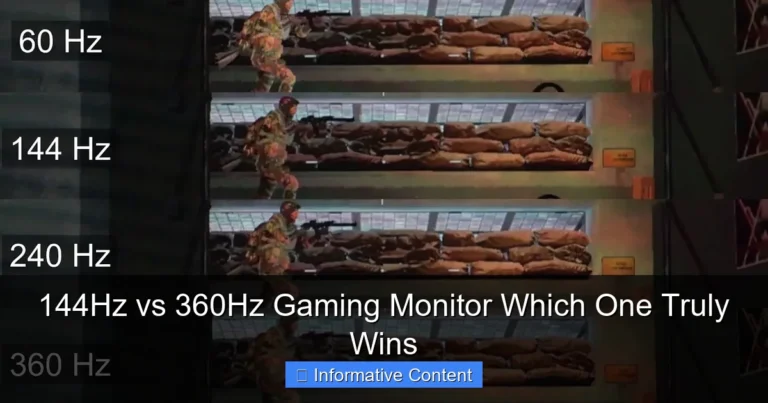
For many years, the 144Hz refresh rate has been the sweet spot for serious gamers. It offers a massive upgrade over traditional 60Hz displays and provides an incredibly smooth experience without typically breaking the bank.
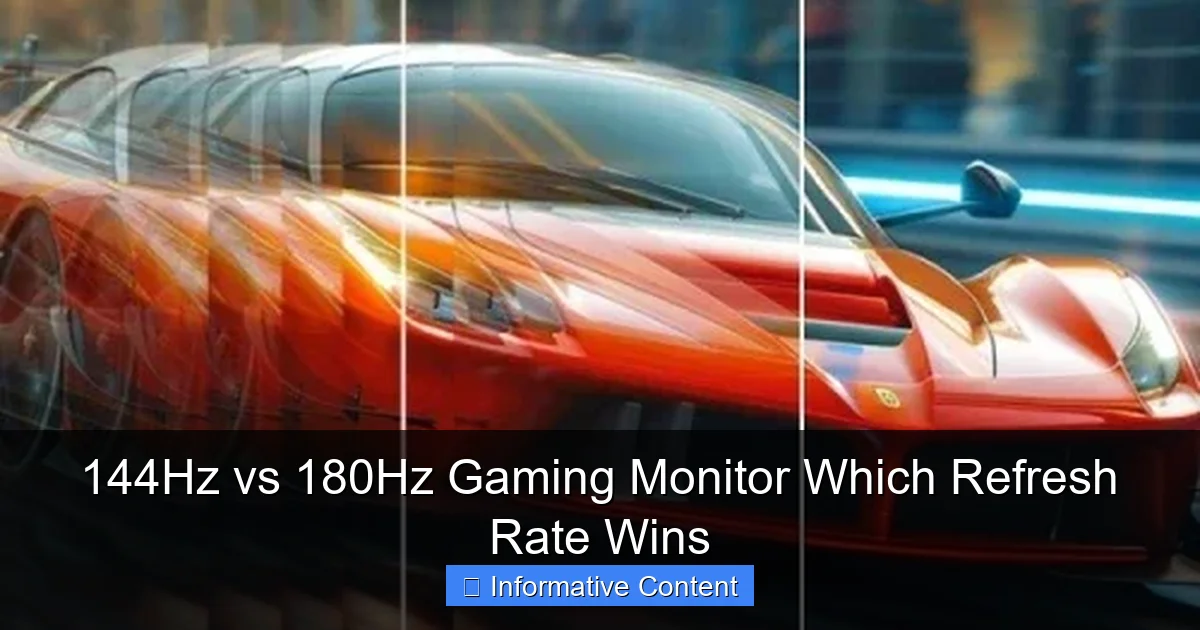
Visual guide about 144Hz vs 180Hz Gaming Monitor Which Refresh Rate Wins
Image source: cdn.shopify.com
The Benchmark for Smoothness
The jump from 60Hz to 144Hz is truly transformative. It’s an upgrade you can immediately see and feel. For most people, it’s the point where motion blur virtually disappears, and gameplay becomes incredibly fluid. This significant leap made 144Hz monitors the go-to choice for competitive and enthusiast gamers alike. They hit that perfect balance where the visual gains are substantial, and the hardware requirements to drive those frames are achievable for a wide range of mid-to-high-end graphics cards.
Real-World Gaming Experience at 144Hz
Imagine playing your favorite FPS game at 144 frames per second on a 144Hz monitor. Aiming feels snappier, tracking opponents is easier, and the overall fluidity makes for a less fatiguing experience during long gaming sessions. Even in graphically intense single-player games, running at a stable 100-120 FPS on a 144Hz display feels incredibly smooth and cinematic. It’s a proven standard that consistently delivers an excellent gaming experience across a wide spectrum of genres.
The ubiquity of 144Hz also means there’s a vast selection of monitors available, ranging from budget-friendly options to premium displays with all the bells and whistles. This variety often allows you to find a 144Hz gaming monitor that perfectly fits your needs regarding panel type, resolution, and adaptive sync features, all within a reasonable price point.
The 180Hz Gaming Monitor: Pushing the Envelope (Slightly)
As technology advances, manufacturers are always looking for ways to push performance boundaries. 180Hz monitors represent a modest step beyond the 144Hz standard, offering an incremental increase in refresh rate.
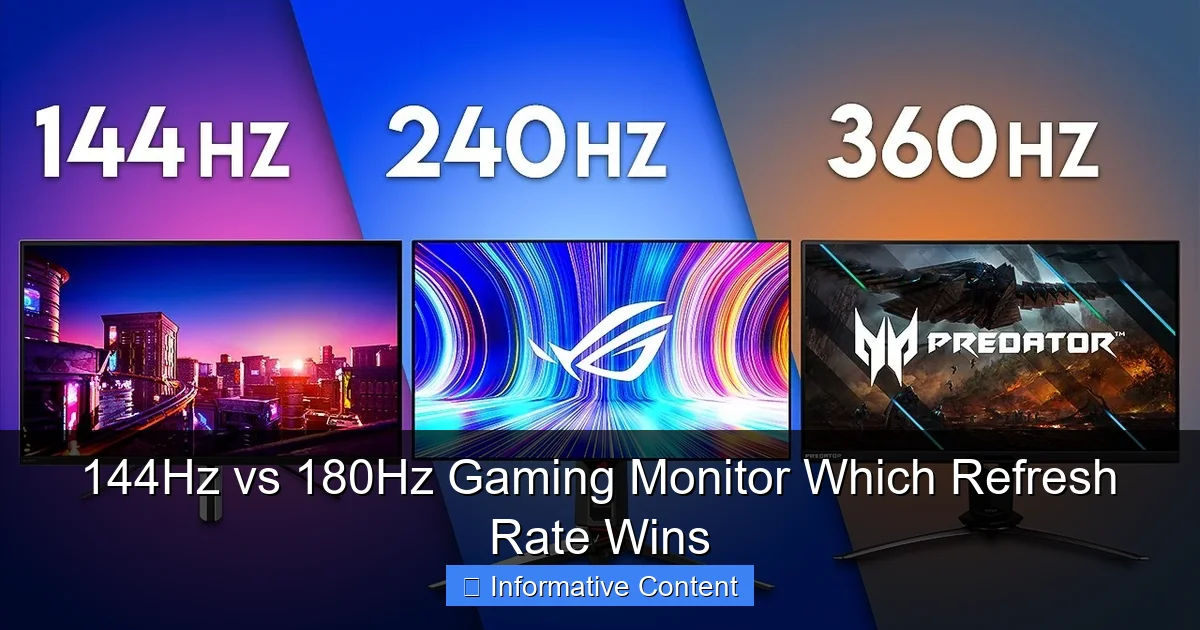
Visual guide about 144Hz vs 180Hz Gaming Monitor Which Refresh Rate Wins
Image source: i.ytimg.com
The Incremental Leap
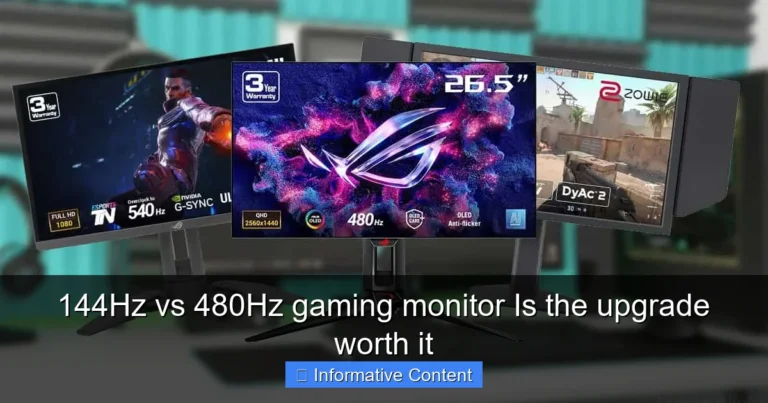
Going from 144Hz to 180Hz is an increase of 36Hz, or about a 25% bump in refresh rate. While technically higher, it’s important to frame this in context. The human eye and brain have limits to how much additional “smoothness” they can perceive, especially once you get past certain thresholds. The difference between 60Hz and 144Hz is night and day for almost everyone. The difference between 144Hz and 180Hz is far less pronounced, often requiring careful observation or specific test scenarios to discern.
These monitors are usually found in the premium segment or as minor upgrades to existing 144Hz panel designs. They cater to a niche of gamers who want to extract every possible frame and perceive every theoretical advantage.
Where Does 180Hz Shine?
The primary area where a 180Hz gaming monitor *might* offer a discernible benefit is in extremely fast-paced, competitive esports titles, particularly those where you’re already achieving incredibly high frame rates. Think games like CS:GO, Valorant, or Overwatch, where top-tier players are constantly seeking the absolute fastest response times and most up-to-date visual information.
For these competitive players with high-end GPUs that can consistently push frames well above 144 FPS, a 180Hz monitor theoretically allows them to see those extra frames. This could, in theory, lead to marginally faster reaction times or smoother tracking. However, even among pros, many still comfortably use 144Hz or 165Hz monitors, as the difference is often not game-changing.
The Crucial Comparison: 144Hz vs 180Hz – What’s the Real Difference?
Now for the main event: a direct head-to-head. Is 180Hz genuinely better than 144Hz, and by how much?
Visual guide about 144Hz vs 180Hz Gaming Monitor Which Refresh Rate Wins
Image source: i.ytimg.com
Perceptibility: Can You Really Tell?
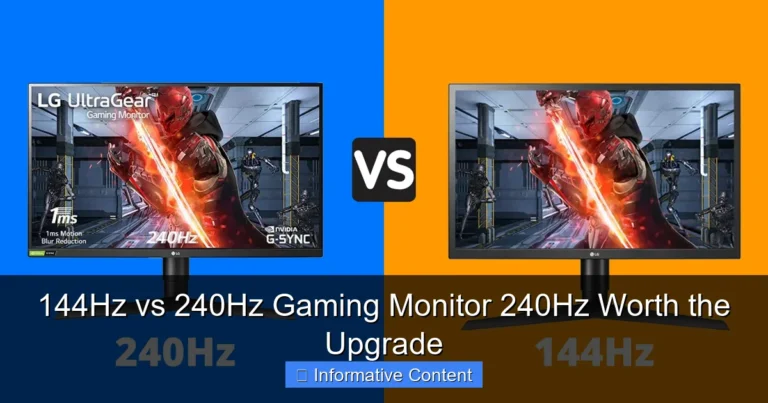
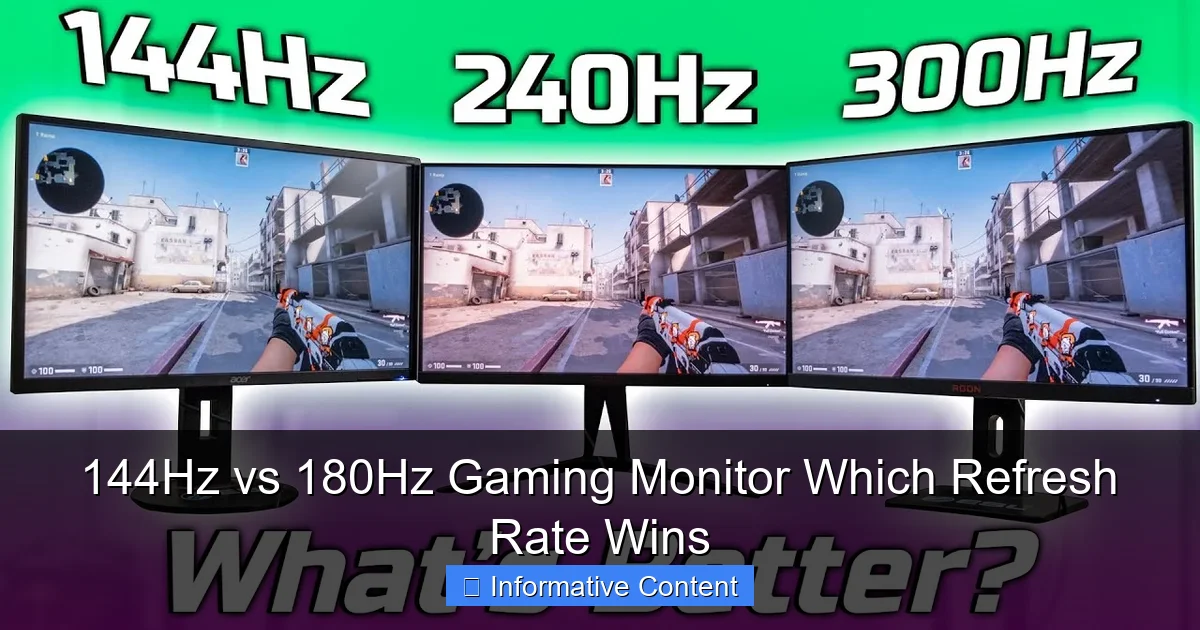
This is the million-dollar question. For the vast majority of gamers, blind tests between a 144Hz and a 180Hz monitor would likely yield inconsistent results. The perceptual difference is extremely subtle. While technically 180Hz shows you frames slightly faster, our visual system already struggles to differentiate once refresh rates go significantly above 120-144Hz. Some highly sensitive individuals or professional esports players might claim to feel a difference, but for the average person, it’s very hard to spot.
Think of it like this: the jump from 30 FPS to 60 FPS is huge. The jump from 60 FPS to 120 FPS is also very noticeable. The jump from 120 FPS to 144 FPS is still perceptible to many. But the jump from 144 FPS to 180 FPS? That’s where diminishing returns kick in hard. The marginal gain in fluidity is tiny.
Input Lag and Response Time Considerations
While a higher refresh rate generally contributes to lower input lag, the 36Hz difference between 144Hz and 180Hz is unlikely to create a significant, measurable, or perceptible difference in input lag on its own. Other factors like the monitor’s pixel response time (GtG), internal processing, and whether adaptive sync is enabled usually have a much more substantial impact on the overall input lag and ghosting.
For instance, a 144Hz gaming monitor with a 1ms GtG response time and excellent overdrive settings might feel more responsive and show less ghosting than a 180Hz monitor with a 4ms GtG response time or poor overdrive. Always look at the full picture of a monitor’s specifications, not just the refresh rate.
The GPU Factor: Powering Those Frames
This is arguably the most critical aspect of the 144Hz vs 180Hz gaming monitor debate. A higher refresh rate is utterly meaningless if your graphics card can’t push enough frames to match it. If your GPU struggles to consistently hit 144 FPS in your favorite games, upgrading to a 180Hz monitor will literally provide no benefit. You’ll still be seeing only the frames your GPU can render, capped by its performance.
To truly take advantage of a 180Hz monitor, you need a high-end, powerful graphics card that can maintain average FPS *above* 144, ideally closer to 180, in the games you play. This often means investing significantly more money in your PC’s hardware, not just the monitor itself. If you’re on a mid-range GPU, even a 144Hz gaming monitor might be a stretch for some titles, let alone 180Hz.
Beyond Refresh Rate: Other Critical Monitor Features to Consider
Focusing solely on 144Hz vs 180Hz means you might overlook other incredibly important features that contribute significantly to your overall gaming experience. A well-rounded monitor often provides a better experience than one that just excels in a single specification.
Panel Technology (IPS, VA, TN)
- IPS (In-Plane Switching): Offers excellent color accuracy and wide viewing angles. Often preferred for vibrant visuals and content creation, but historically had slower response times (though modern IPS panels are very fast).
- VA (Vertical Alignment): Known for its high contrast ratios and deep blacks, making it great for immersive gaming, especially in darker scenes. Viewing angles are generally better than TN but not as good as IPS, and response times can vary.
- TN (Twisted Nematic): Traditionally the fastest in terms of response time, making them a favorite for competitive esports. However, they suffer from poorer color reproduction and very limited viewing angles.
Choosing the right panel type can have a much greater impact on your visual experience than the minor difference between 144Hz and 180Hz.
Resolution (1080p, 1440p, 4K)
Do you want crisp 1080p, detailed 1440p, or incredibly immersive 4K? Higher resolutions require significantly more GPU power to maintain high frame rates. A 1440p 144Hz gaming monitor often provides a much better balance of visual detail and high frame rates than a 4K 60Hz monitor for gaming, and certainly more achievable than trying to hit 180 FPS at 4K resolution.
Adaptive Sync (G-Sync, FreeSync)
Adaptive sync technologies like NVIDIA’s G-Sync and AMD’s FreeSync are game-changers. They synchronize your monitor’s refresh rate with your GPU’s frame rate, eliminating screen tearing and reducing stuttering. This ensures a smooth visual experience even when your FPS fluctuates. Having a monitor with adaptive sync is often more important for a consistent and enjoyable gaming experience than whether it’s 144Hz or 180Hz, especially if your frame rates aren’t perfectly stable.
Response Time (GtG)
Measured in milliseconds (ms) Gray-to-Gray (GtG), response time refers to how quickly a pixel can change from one color to another. A lower response time means less motion blur and ghosting, which is crucial for fast-paced games. A monitor with a 1ms GtG response time will look sharper in motion than one with a 4ms or 5ms GtG, regardless of whether it’s 144Hz or 180Hz.
HDR and Color Accuracy
For single-player, graphically rich games, features like HDR (High Dynamic Range) and excellent color accuracy can dramatically enhance immersion and visual fidelity. A monitor with good HDR support and a wide color gamut might provide a more visually stunning experience than simply having an extra 36Hz of refresh rate.
Price and Value
Sometimes, a 180Hz gaming monitor will carry a slight price premium over a comparable 144Hz model. Consider if that extra cost could be better spent on a 144Hz monitor with a better panel, higher resolution, more reliable adaptive sync, or better build quality. Value is about the entire package, not just one number.
Making Your Choice: Who Should Buy Which?
So, after all this discussion, which refresh rate is right for you? Let’s break it down.
When 144Hz is Your Best Bet
- Most Gamers: If you’re a casual, serious, or even highly competitive gamer, a 144Hz gaming monitor offers an outstanding experience. It’s the sweet spot where performance, visual smoothness, and value converge.
- Mid-Range to High-End GPUs: If you have a graphics card that can consistently push 100-144 FPS in your favorite titles (e.g., an RTX 3060/4060, RX 6700XT/7700XT or similar), 144Hz is perfect. You’ll be utilizing the monitor’s full potential without overspending on an unnecessary feature.
- Budget-Conscious Buyers: You’ll find a much wider selection of excellent 144Hz monitors at various price points, allowing you to prioritize other features like panel type, resolution, or adaptive sync within your budget.
- Focus on Overall Quality: If you prioritize a balanced monitor with great colors, response time, and adaptive sync over a tiny refresh rate bump, 144Hz models often provide better value in this regard.
When 180Hz Might Be Worth It
- Elite Esports Professionals: If you’re a pro gamer competing at the highest levels where every millisecond theoretically counts, and your livelihood depends on the absolute cutting edge, then a 180Hz gaming monitor *might* offer a barely perceptible edge.
- Bleeding-Edge Hardware Owners: If you have a top-tier GPU (like an RTX 4080 Super, RTX 4090, or RX 7900 XTX) that consistently renders games at 180 FPS or higher, and you want to ensure you’re seeing every single frame, then 180Hz makes technical sense.
- Enthusiasts with Disposable Income: If budget isn’t a concern and you simply want the highest numbers and newest tech available, without necessarily expecting a groundbreaking difference, then go for 180Hz. It’s a “why not?” upgrade.
- Specific Niche Games: In certain esports titles where movement and quick flicks are paramount, some competitive players might argue for the absolute highest refresh rates possible, provided their system can handle it.
Conclusion
In the grand battle of 144Hz vs 180Hz gaming monitor, the truth is that the difference is far more nuanced than just looking at the numbers. While 180Hz is technically higher, the practical, perceptible benefit over a 144Hz gaming monitor is remarkably small for the vast majority of gamers. It’s a classic case of diminishing returns, where the initial leap from 60Hz to 144Hz is monumental, but subsequent jumps offer only minor improvements.
Ultimately, your decision should hinge on several factors: your current graphics card’s power, the types of games you play, your budget, and how much you value other monitor features like panel quality, resolution, response time, and adaptive sync. For most gamers, a well-chosen 144Hz gaming monitor that excels in other areas will provide a more satisfying and impactful upgrade than simply chasing the slightly higher 180Hz refresh rate. Invest wisely, consider the whole package, and happy gaming!
Frequently Asked Questions
What is refresh rate and why is it important for gaming?
Refresh rate measures how many times per second your monitor updates its image, in Hertz (Hz). For gaming, a higher refresh rate means smoother visuals, reduced motion blur, and a more responsive feel, as it allows your monitor to display more frames per second from your graphics card.
Will my current PC be able to run games at 180 FPS to fully utilize a 180Hz monitor?
This depends entirely on your graphics card (GPU) and the games you play. Modern, demanding games at higher settings often struggle to reach 180 FPS even on high-end GPUs. Check benchmarks for your specific GPU and target games to see if it’s realistic.
Are 144Hz monitors cheaper than 180Hz monitors?
Generally, 144Hz monitors tend to be more affordable or offer better value with comparable features (panel type, resolution, response time) than their 180Hz counterparts. The small refresh rate bump in 180Hz models can sometimes come with a slight price premium.
Does the panel type (IPS, VA, TN) matter more than the refresh rate difference between 144Hz and 180Hz?
Yes, for most users, the panel type has a more significant impact on the overall visual experience than the 36Hz difference between 144Hz and 180Hz. IPS offers better colors, VA better contrast, and TN faster raw response, each impacting gameplay in a noticeable way.
What is adaptive sync, and how does it relate to 144Hz vs 180Hz monitors?
Adaptive sync (like G-Sync or FreeSync) synchronizes your monitor’s refresh rate with your GPU’s frame rate, eliminating screen tearing and reducing stuttering. It’s crucial for a smooth gaming experience, regardless of whether your monitor is 144Hz or 180Hz, especially if your FPS isn’t consistently matching the maximum refresh rate.
Should I choose a 144Hz 1440p monitor or a 180Hz 1080p monitor for general gaming?
For most general gaming, a 1440p 144Hz monitor is often the better choice. It provides a noticeable bump in visual clarity and detail over 1080p, while 144Hz still offers excellent smoothness. The jump from 144Hz to 180Hz at 1080p is far less impactful than the resolution increase.